Setting Sleep Timer
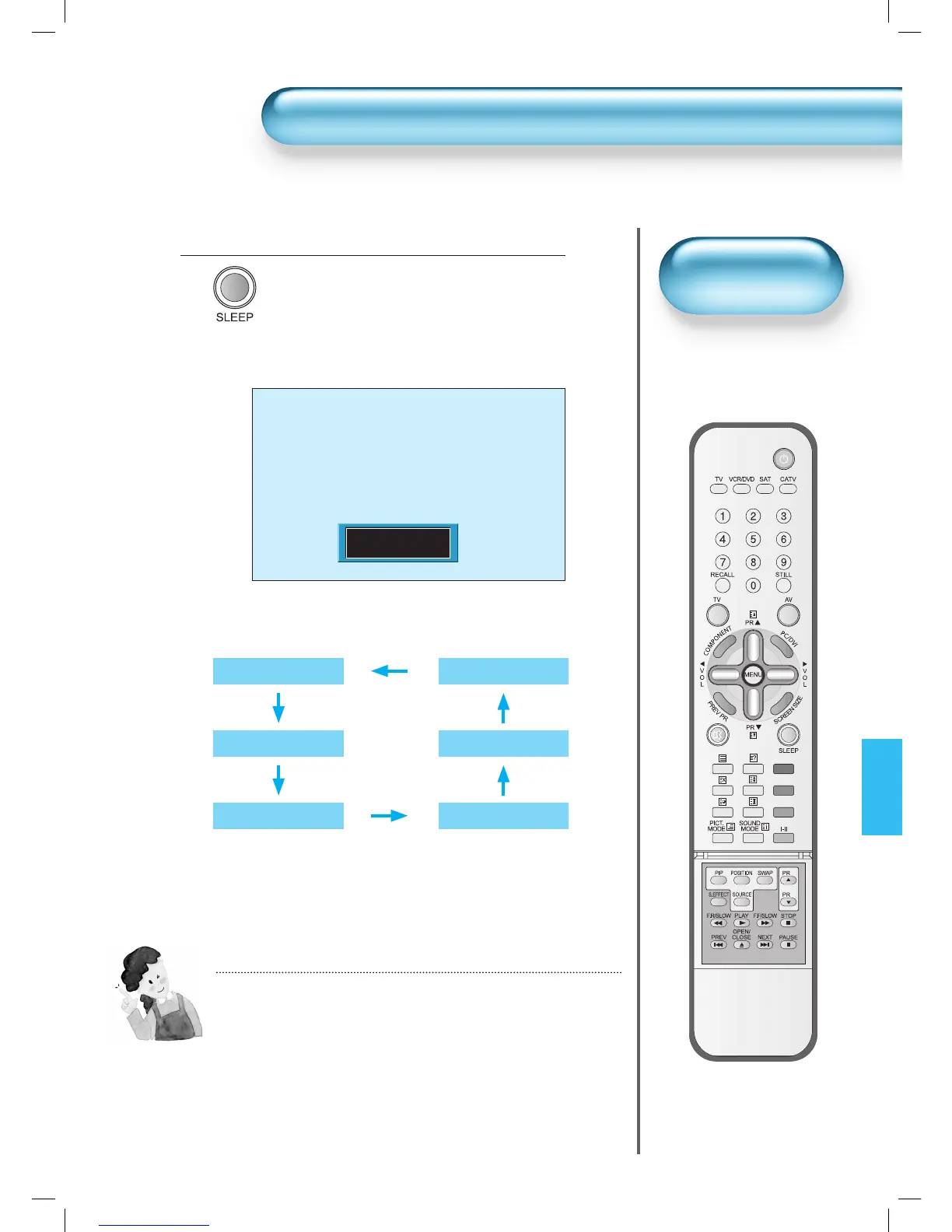
Press the “SLEEP” Button.
• Press the “SLEEP” button on the Remote
Control.
• Pressing the “SLEEP” button first time will
display the current setting for Sleep Timer.
• To cancel the Sleep Timer, press the “SLEEP”
button to select ‘Off’.
1
Sleep Timer Off
• Sleep Timer turns the PDP
off after a preset time.
Setting
Sleep Timer
NOTES:
1) On-screen information disappears if you do not take any action
for about two seconds after pressing the SLEEP button.
2) If you turn the PDP off after setting SLEEP, the setting is erased.


 To Next Page
 Loading...