19
BASIC OPERATIONS
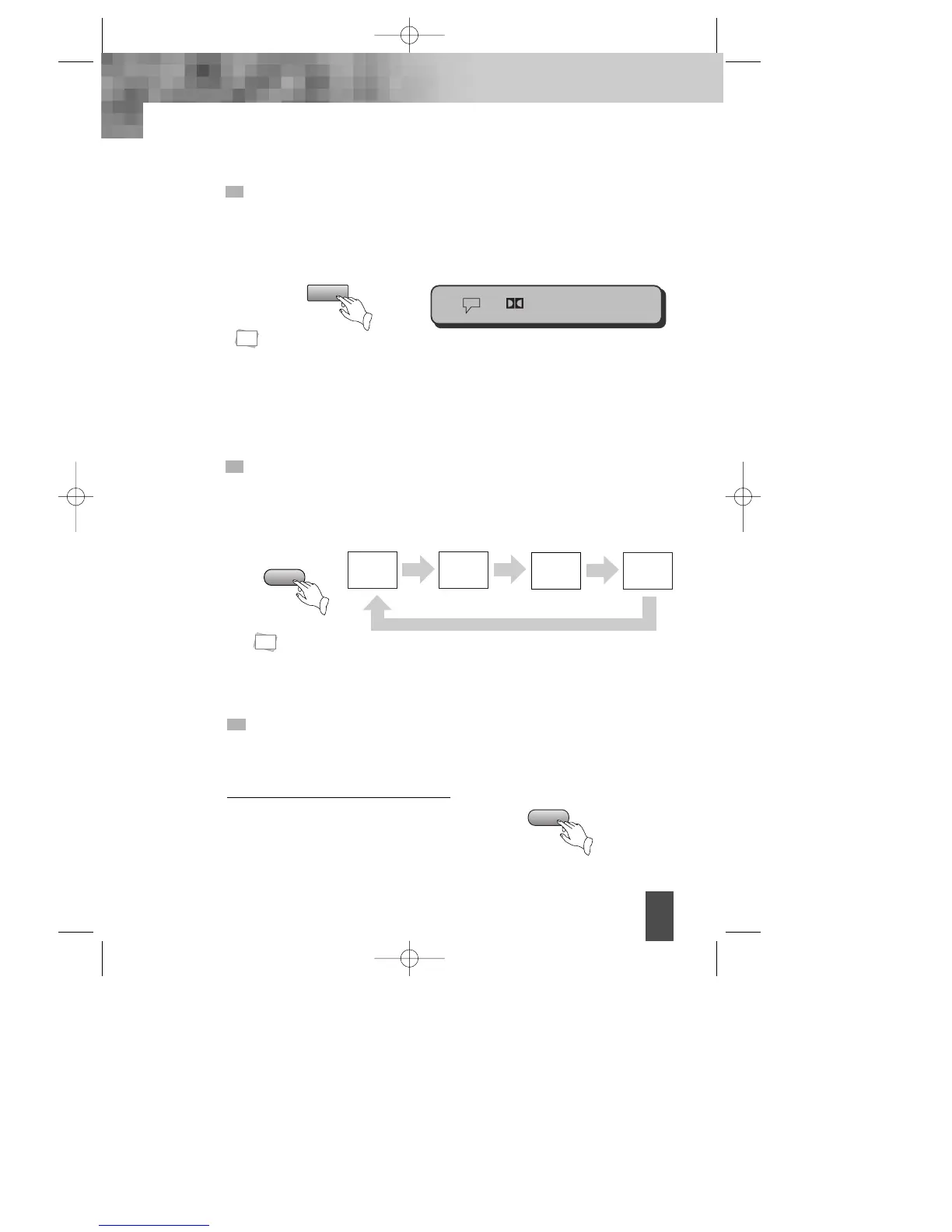
SELECT AUDIO LANGUAGE
You can choose the language according to your choice when playing multi-
language DVD.
Press “AUDIO” button, select different languages.
SELECT CHANNELS (VCD only)
You may select the right channel or left channel or stereo from a multi-channel.
Press "CHANNEL" button, the screen show alternately and select the desired
audio channel:
1. Different disc has different languages
2. You can press "AUDIO" button to choose the language you want when you play
multi-language DVD discs.
CHANNEL
AUDIO
L-Mono R-Mono
STEREO
Mix-Mono
You can use channel function when you play the disc, you can choose mono
audio output ( left or right channel ), stereo or mix-mono
*Attention:
Please select the AUDIO language in SETUP menu to keep the setting!
N
Note:
N
Note:
1/2 6Ch Eng
This function outputs 3D effects on the stereo audio analog output where 3D
effects are broken down.
Press [3D] button.
Every time you press [3D] button, the 3D
sound toggles between 3D on -> 3D off.
SELECT 3D AUDIO
3D
DV- 2500H English for agon 2006.10.25 11:6 PM ˘ `19



 To Next Page