28
PLAY DISCS IN VARIOUS WAYS
You may program the track on a disc and play them in the programmed order.
PROGRAM PLAY (VCD)
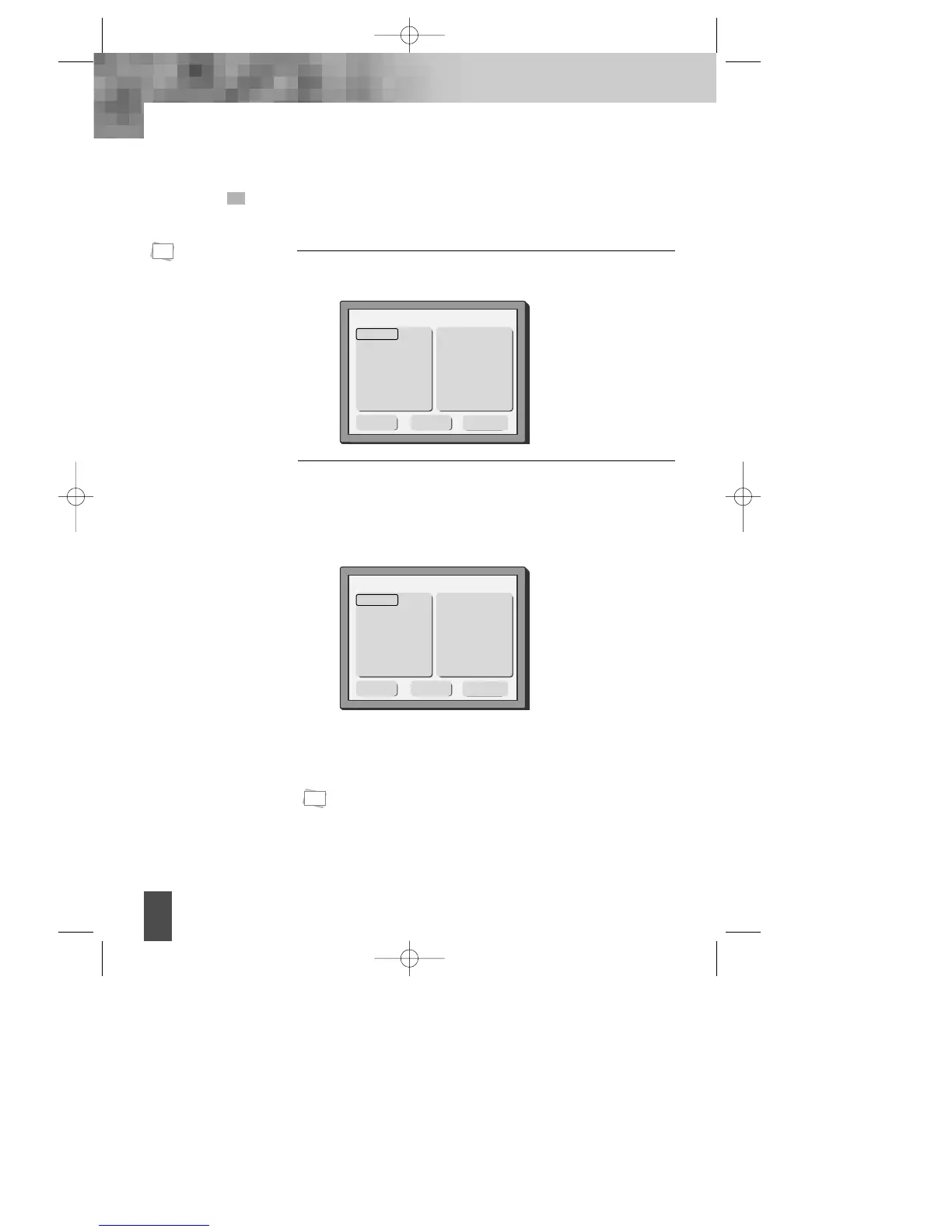
Press "PROGRAM" button, the screen shows:
1
• Single track
disc can not
be
programmed.
N
Note:
• You can clear all programmed item by press PLAY button on the position of
“Clear All”.
• You can clear from the latest programmed item by press PLAY button on the
position of “Clear”.
N
Note:
Press … or † button to select the desired track number.
Press PLAY.
2
Program
Track 1
Track 2
Track 3
Track 4
Track 5
Track 6
1
3
5
7
9
11
13
15
2
4
6
8
10
12
14
16
†
Play Clear
Clear all
Program
Track 1
Track 2
Track 3
Track 4
Track 5
Track 6
1 T3
3 T1
5
7
9
11
13
15
2 T4
4
6
8
10
12
14
16
†
Play Clear
Clear all
The selected track number will display at the right sides on the
screen.
After the programming is finished, press direction [œ √…† ]
button to select "Play", press "PLAY" button to start playing.
DV- 2500H English for agon 2006.10.25 11:6 PM ˘ `28



 To Next Page