23
PLAYING A DESIRED SCENE
You may press A-B to enjoy some parts repeatedly when playing a disc.
1. Press “A-B” to set a starting point A.
2. Press “A-B” twice to an end point B.
Afterwards, the unit plays from A to B.
3. Press “A-B” three times to remove A-B repeat.
A-B
Rep
A -
Rep
A - B
Rep AB
Off
REPEATING A DEFINED PERIOD FROM A TO B
This function does
NOT apply to
MP3.
N
Note:
SELECT A SUBTITLE LANGUAGE
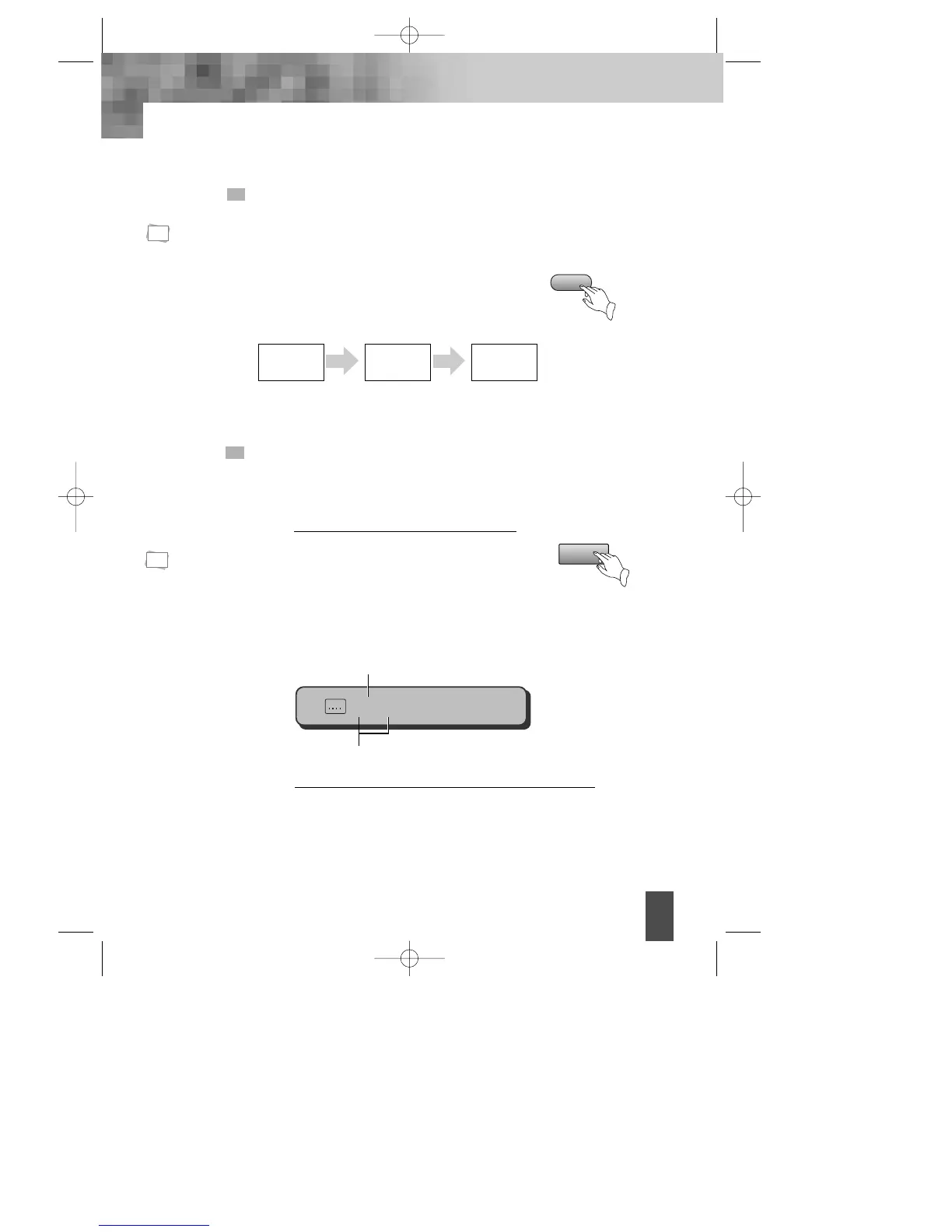
When play a multi-subtitle DVD, you may select one subtitle to show it on the
screen.
Keep pressing [SUBTITLE] button till the
user’s preferred language appears.
If a DVD disc includes subtitle information, every time
the user presses [SUBTITLE] button, ENGLISH, FRENCH, SPANISH
and others appear one by one.
1
Remove the subtitle.
Press SUBTITLE until the screen shows "Off".
2
SUBTITLE
1. For some discs,
subtitles cannot
be removed.
2. Subtitle
function is only
available for
some discs with
subtitle
recorders.
N
Note:
1/8 Eng



 To Next Page