22
PLAYING A DESIRED SCENE
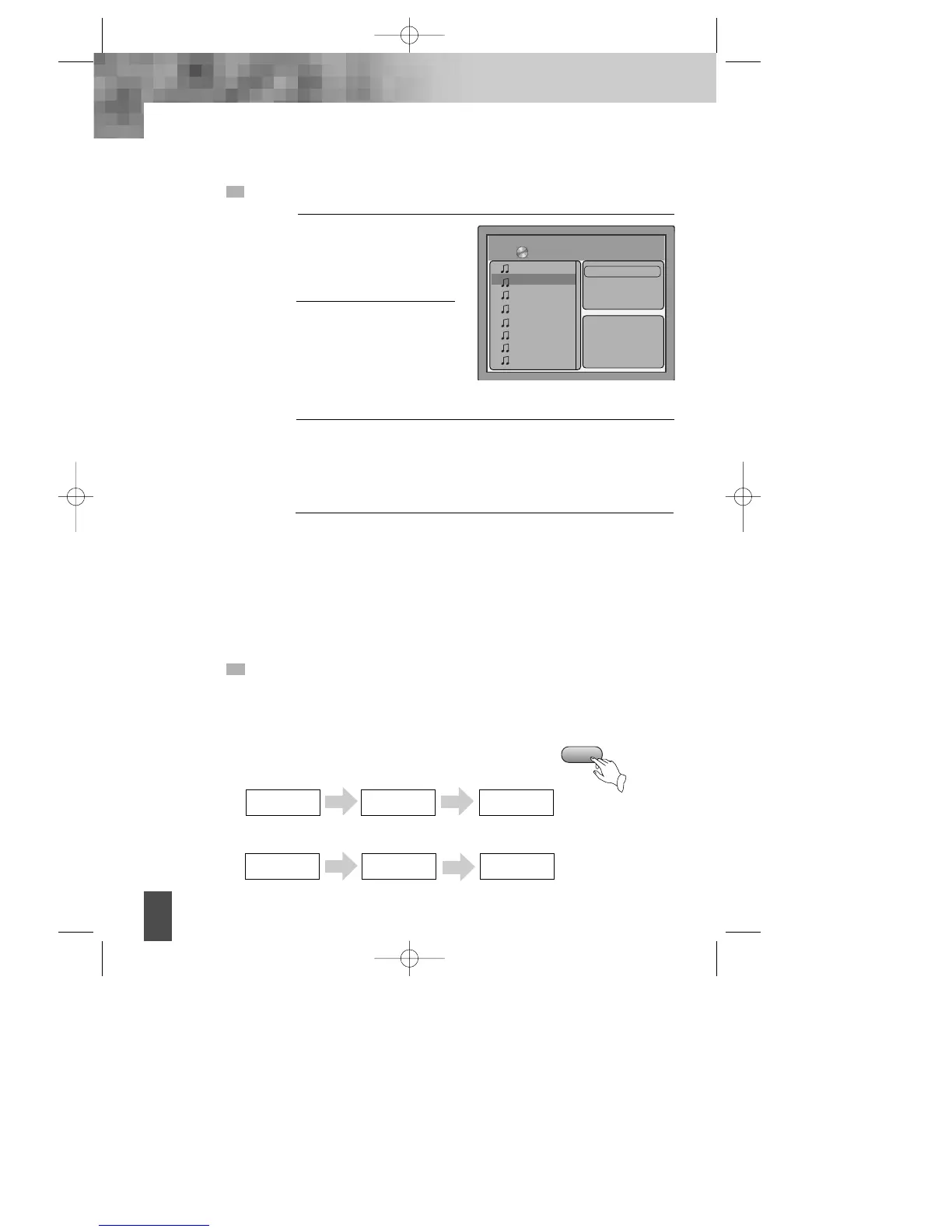
PLAYING A DISC CONTAINING MP3 (or CD) FILES
When a MP3 disc is loaded,
MP3 menu screen is displayed
automatically depending on
MP3 disc’s folder structure.
1
Use
[œ √…†]
button to
select the folder you want to
play, and press the [PLAY]
button.
2
Use [œ √…†] button to select a MP3 file and press the PLAY
button then play will start automatically. When you know the file
number, enter the MP3 file number using the numeric buttons on
the remote control and then press [PLAY] button.
3
Press √√
■
on the remote control to choose next file. Press
■
œœ for
previous file.
When you know the file number, enter MP3 file number using the
numeric buttons on the remote control and then press [PLAY]
button.
4
9268-2
AAFALLROAD12
ALL_NITE
AMEILEENDONA
AMFUNKYFLOW
AMPOPPIESDAI
AMPOPPI2
AMPOP
√√
00 : 00 : 26
17/76 /mp3/04 -- -- - - --.MP3
Filter
Repeat : Off
Mode : Normal
Music Playing
This button allows you to see the file lists under the folder.
REPEAT PLAY
When play a disc, this function can be used to repeatedly play a title, chapter,
track or disc.
Press "REPEAT" button, the screen shows orderly.
REPEAT
Repeat Chapter
Repeat Title
• DVD
• CD/ MP3
Repeat single
Repeat
folder
Repeat
Off
Repeat
Off
DV- 2500H English for agon 2006.10.25 11:6 PM ˘ `22



 To Next Page