25
PLAY DISCS IN VARIOUS WAYS
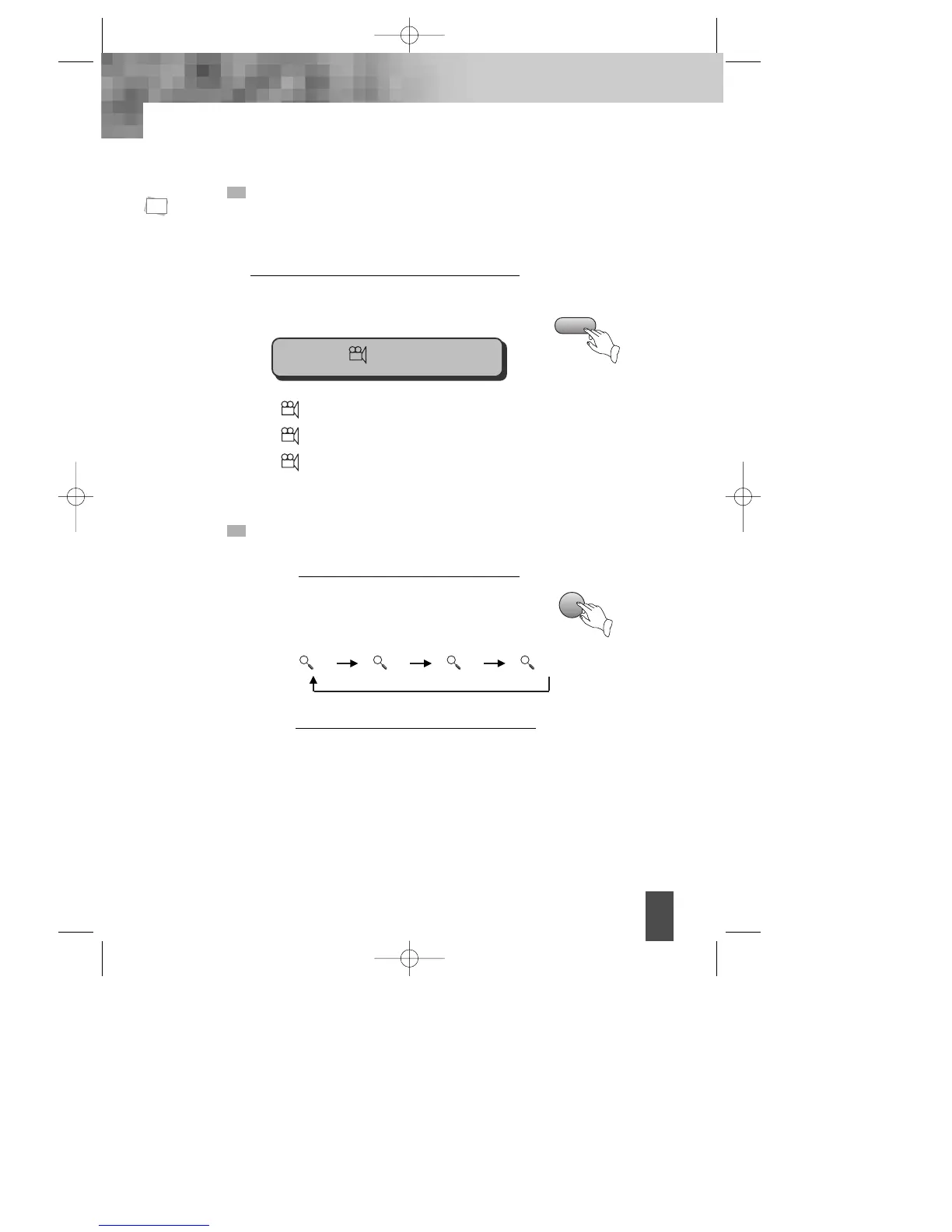
SELECT ANGLE
Some discs have images with different screen angles, you may select among
them. For example, when you watch a running train, you may select to watch it
from the front, the left window or the right window without stopping it.
Keep pressing [ANGLE] button till the
preferred angle appears.
ANGLE
Angle 2/4 (select ANGLE2)
Angle 3/4 (select ANGLE3)
Angle 4/4 (select ANGLE4)
Multi Angle
function is limited
to a DVD disc
supporting multi
angle information.
ZOOM PLAY
This function can be used to enjoy a motion or motionless picture.
Press "ZOOM" button when playing, the
screen shows orderly:
1
Press "UP/DOWN/LEFT/RIGHT“[
œ √…†
]
button to move the enlarged picture.
2
ZOOM
N
Note:
1 2 3 Off
1/4
DV- 2500H English for agon 2006.10.25 11:6 PM ˘ `25



 To Next Page