78
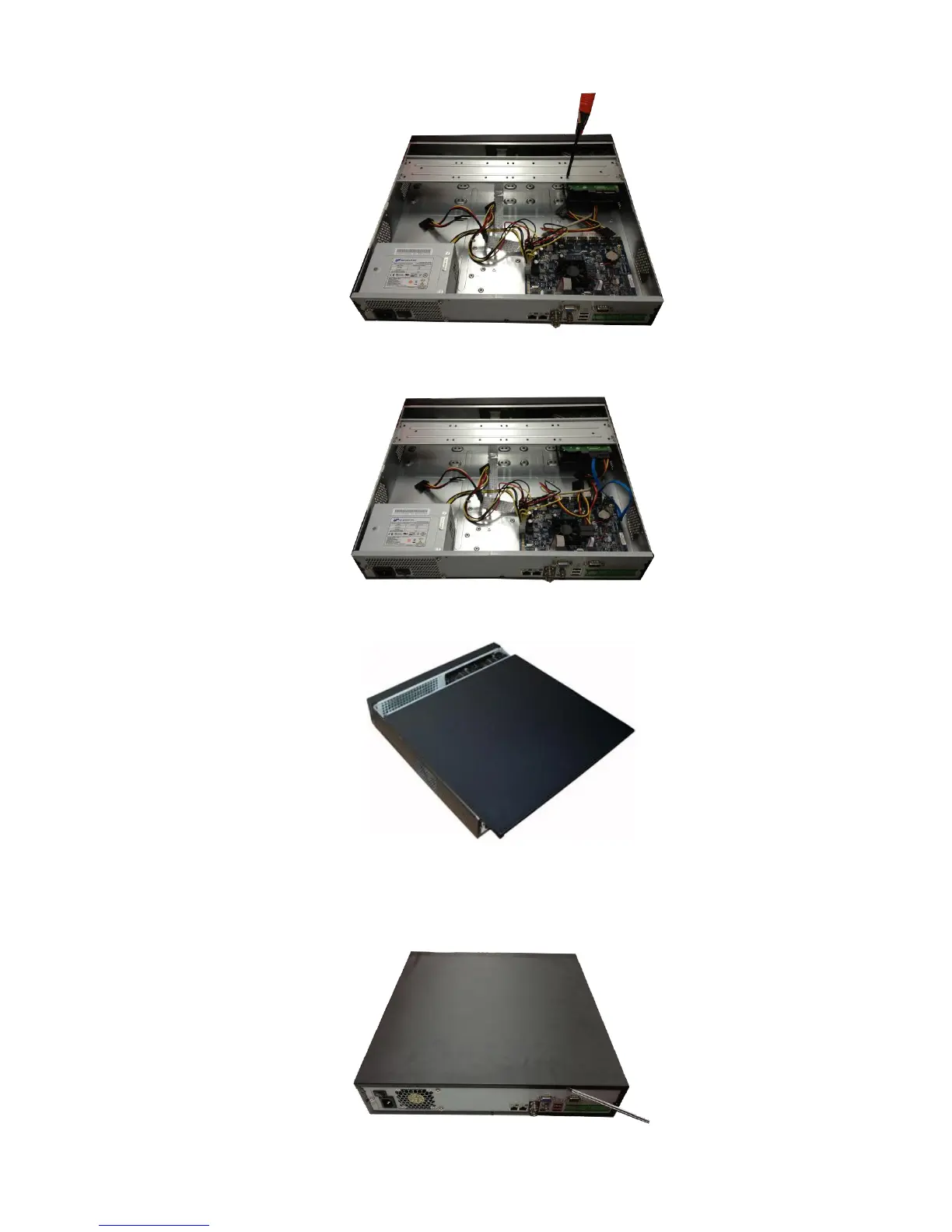
② Put the HDD to the HDD bracket in the chassis and then line up the four screws to the four holes in
the HDD. Use the screwdriver to fix the screws firmly to secure HDD on the HDD bracket
③ Connect to the HDD data cable to the main board and the HDD port respectively. Loosen the power
cable of the chassis and connect another end of the power cable to the HDD port.
④ After connect the cable, put the front cover back to the device and then fix screws of the rear panel.
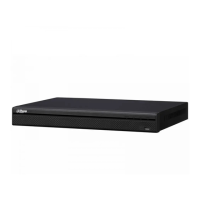
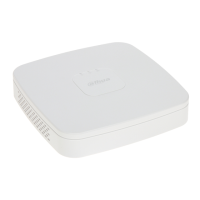
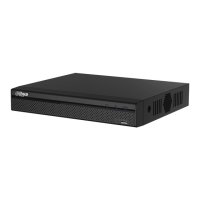
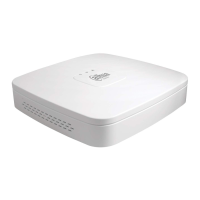
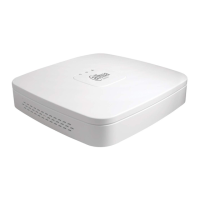
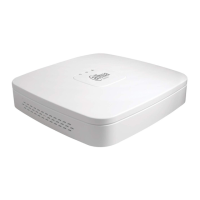
3.3.6 NVR48/48-16P/NVR78/78-16P Series
The following figures are based on the NVR78 series.


 To Next Page
 Loading...