SiUS181305E Function of CTXS, FTXS, CDXS, FDXS Series
Function 74
7.12 Clock Setting
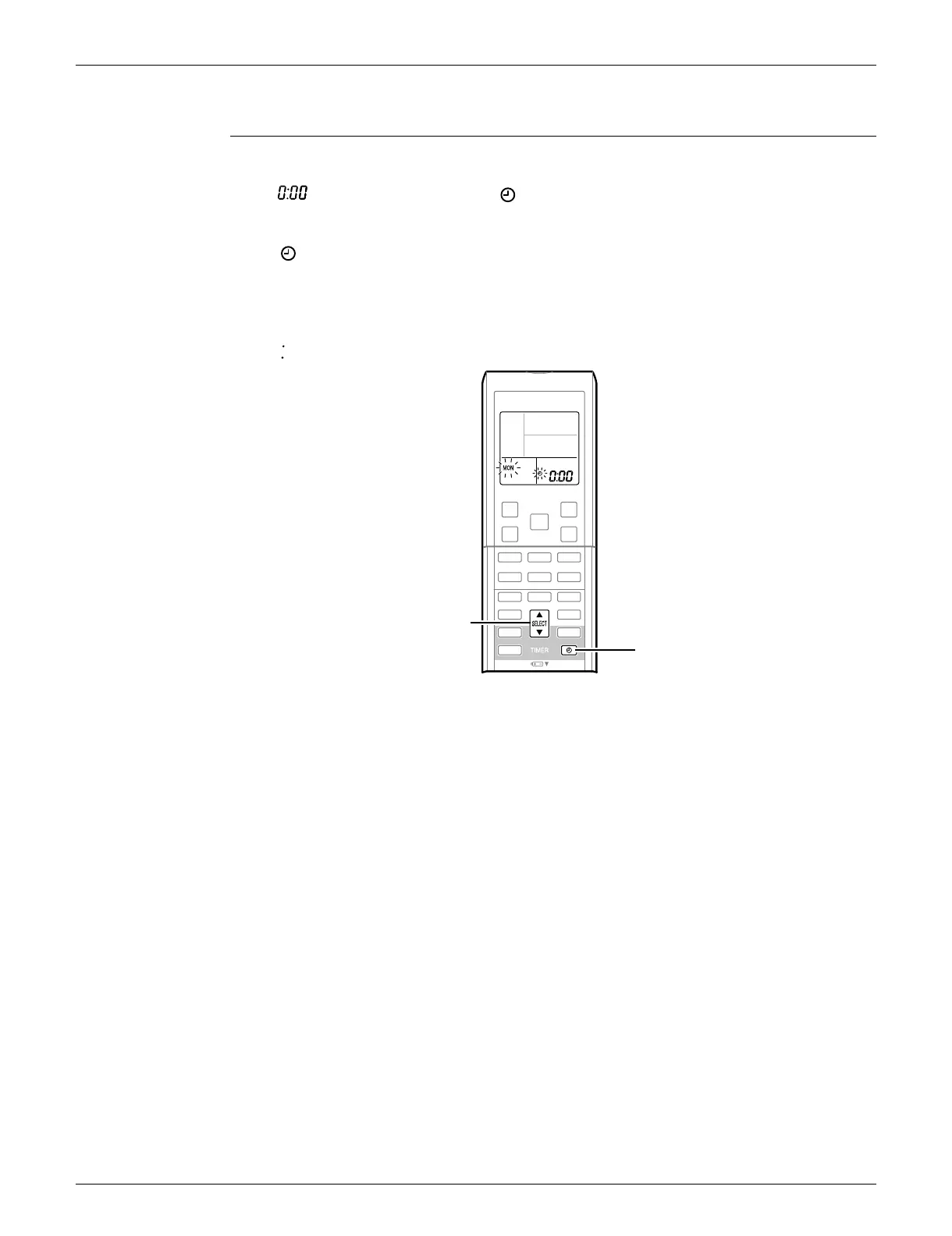
ARC452 Series The clock can be set by taking the following steps:
1. Press the CLOCK button.
is displayed and MON and blink.
2. Press the SELECT
or button to set the clock to the current day of the week.
3. Press the CLOCK button.
blinks.
4. Press the SELECT
or button to set the clock to the present time.
Holding down the SELECT
or button increases or decreases the time display rapidly.
5. Press the CLOCK button. (Point the remote controller at the indoor unit when pressing the
button.)
blinks and clock setting is completed.
(R19137)
SELECT button
CLOCK button









 To Next Page