BRC1E53 Installer reference guide
4P419250-1
–
2015.10
26
Energy demand control
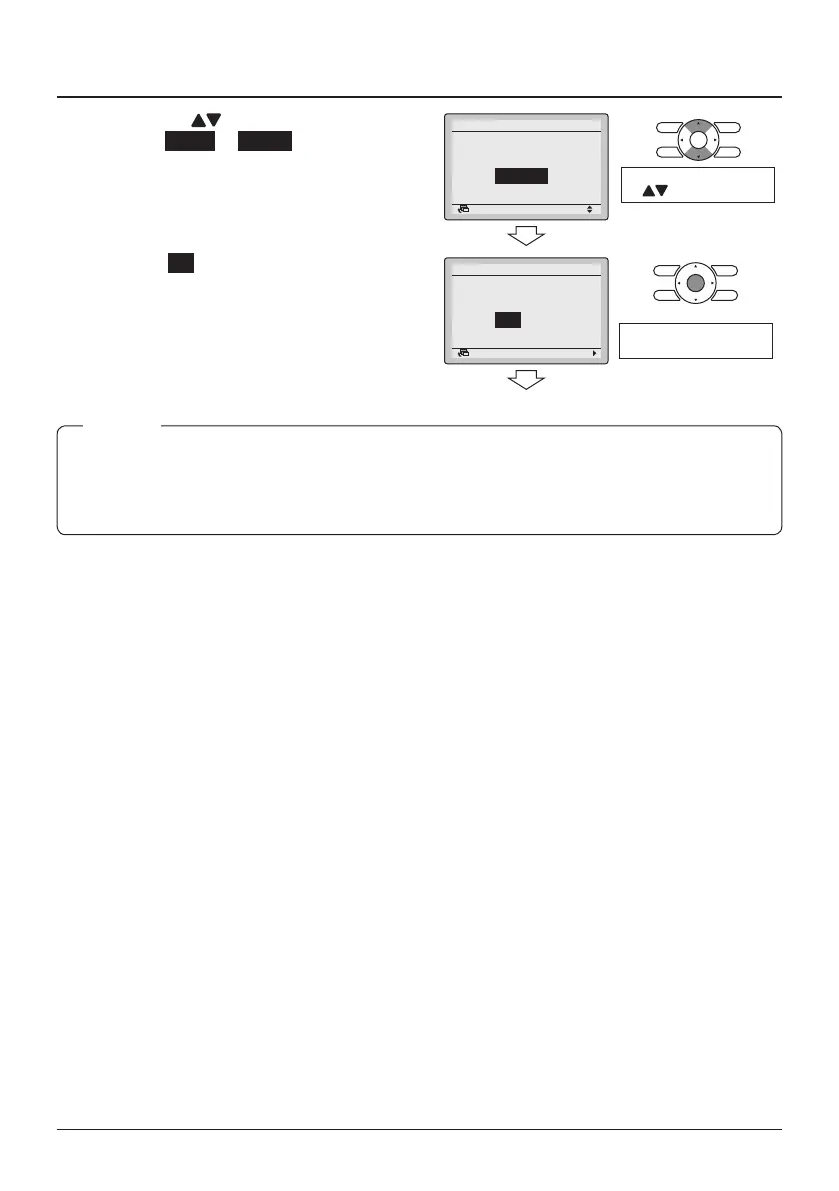
11-8 Press the (Up/ Down) buttons to
select Enable or Disable. The
conrmation screen will appear when
the Menu/Enter button is pressed.
11-8
Disable
Demand
Enable/Disable
SettingReturn
Change the setting by using
the (Up/Down) buttons.
11-9 Select Yes and press the Menu/Enter
button. The function is enabled/
disabled and the Basic screen
returns.
11-9
NoYes
Demand
Save the settings?
SettingReturn
Press the Menu/Enter
button.
● After saving changes to the settings, Demand is automatically enabled.
● The availability of the Demand function depends on the outdoor unit model.
● For Demand to be visible among the service settings, the clock needs to be set.
NOTE



 To Next Page