BRC1E53 Installer reference guide
4P419250-1
–
2015.10
30
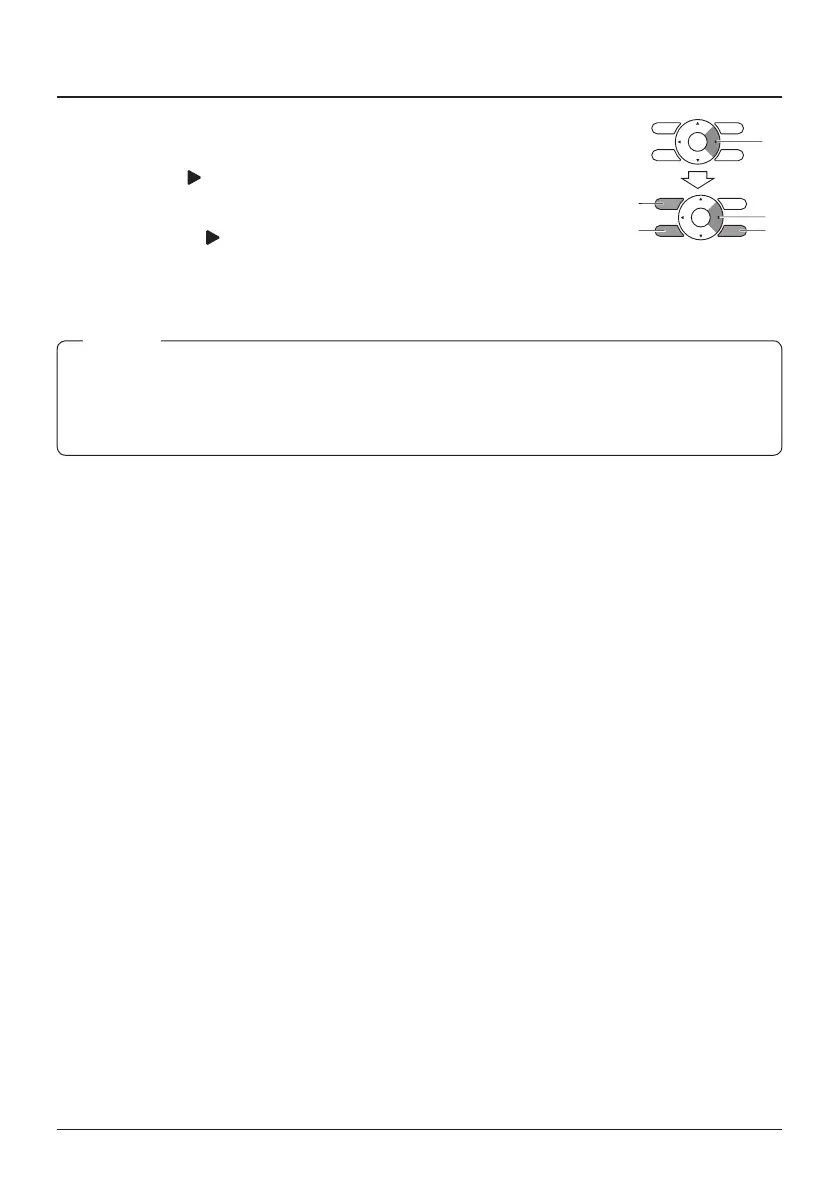
Prohibit Buttons
14-8 To disable the Menu/Enter and
Cancel button in the Basic screen,
proceed as follow:
1. Keep the button pressed.
2. Push the 3 indicated keys
simultaneously (shortly) while
keeping the button pressed.
To enable the Menu/Enter and Cancel
button in the Basic screen, follow the
same procedure.
1
If you want to restrict the number of operable buttons on the sub remote controller, start with only
connecting this controller to the unit. Make sure that this controller is set to "main" (factory
default) rst, change the restrictions to the setting you prefer and only then set the remote
controller to "sub".
NOTE



 To Next Page