EDUS721438 Operation Manual
BRC1E73 17
3P243520-7N
English 13
Dry Mode
Preparation
For equipment protection purposes, apply power to the outdoor units at least six hours before Ɣ
starting the operation of the system.
The dry mode may not be selected if the remote controller is master controlled and the Ɣ
system is not already in the cooling mode of operation. (see page 18 for details)
Operation
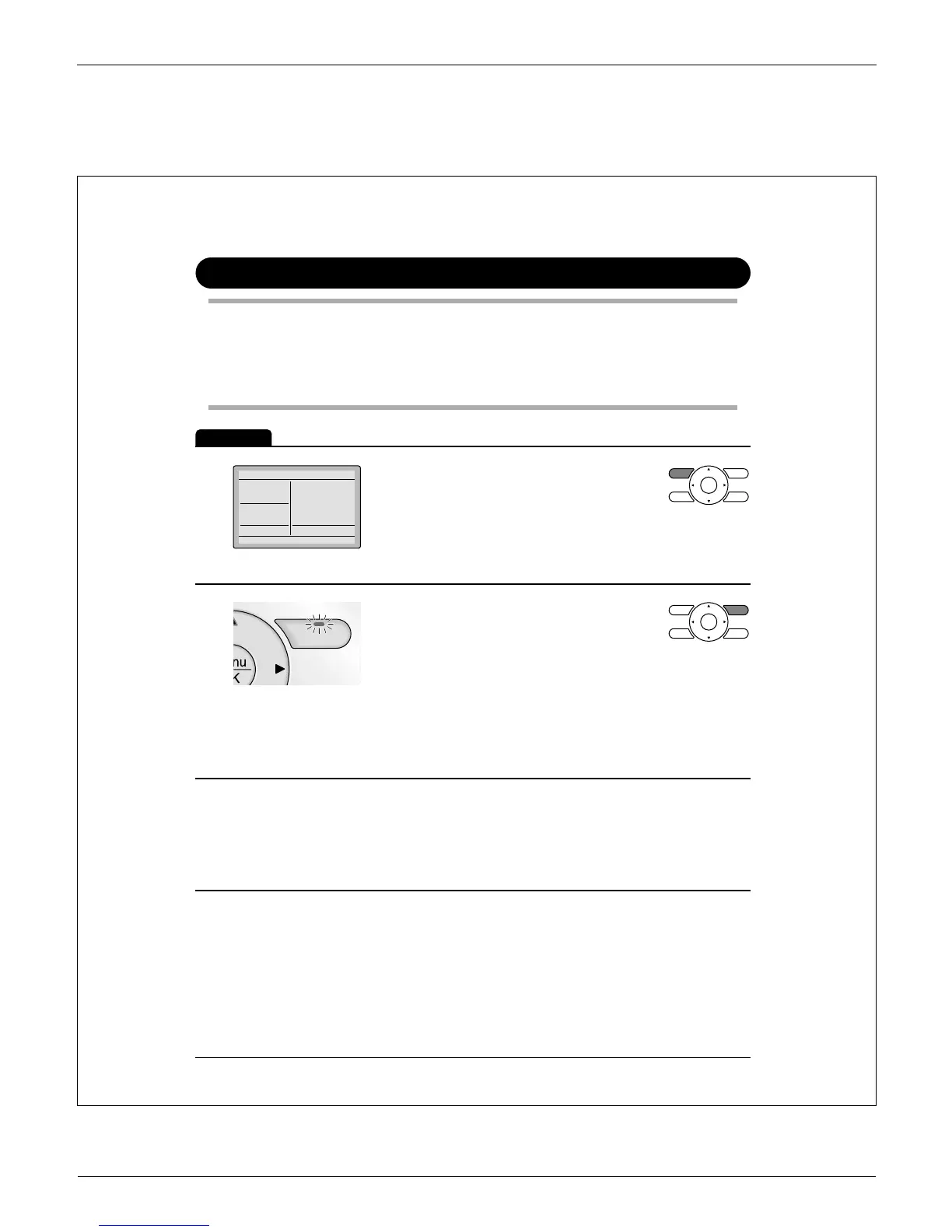
1
Dry
Return Setting
Press Ɣ Mode button several times until
the Dry mode is selected.
The dry mode may not be available depending on the type of *
indoor unit.
2
On/Off
Press Ɣ On/Off button.
The Operation lamp will illuminate solid
green and the system will start
operating.
In Dry mode, the system maintains automatic temperature and *
fan speed control. Therefore, temperature setpoint or fan speed
settings are not available while the indoor unit is in the Dry
mode.
3
Adjust Airfl ow Direction from the main menu Ɣ
(see page 23).
If the connected indoor unit does not have oscillating louvers, *
this function will not be available.



 To Next Page