EDUS721438 Installation Manual
BRC1E73 65
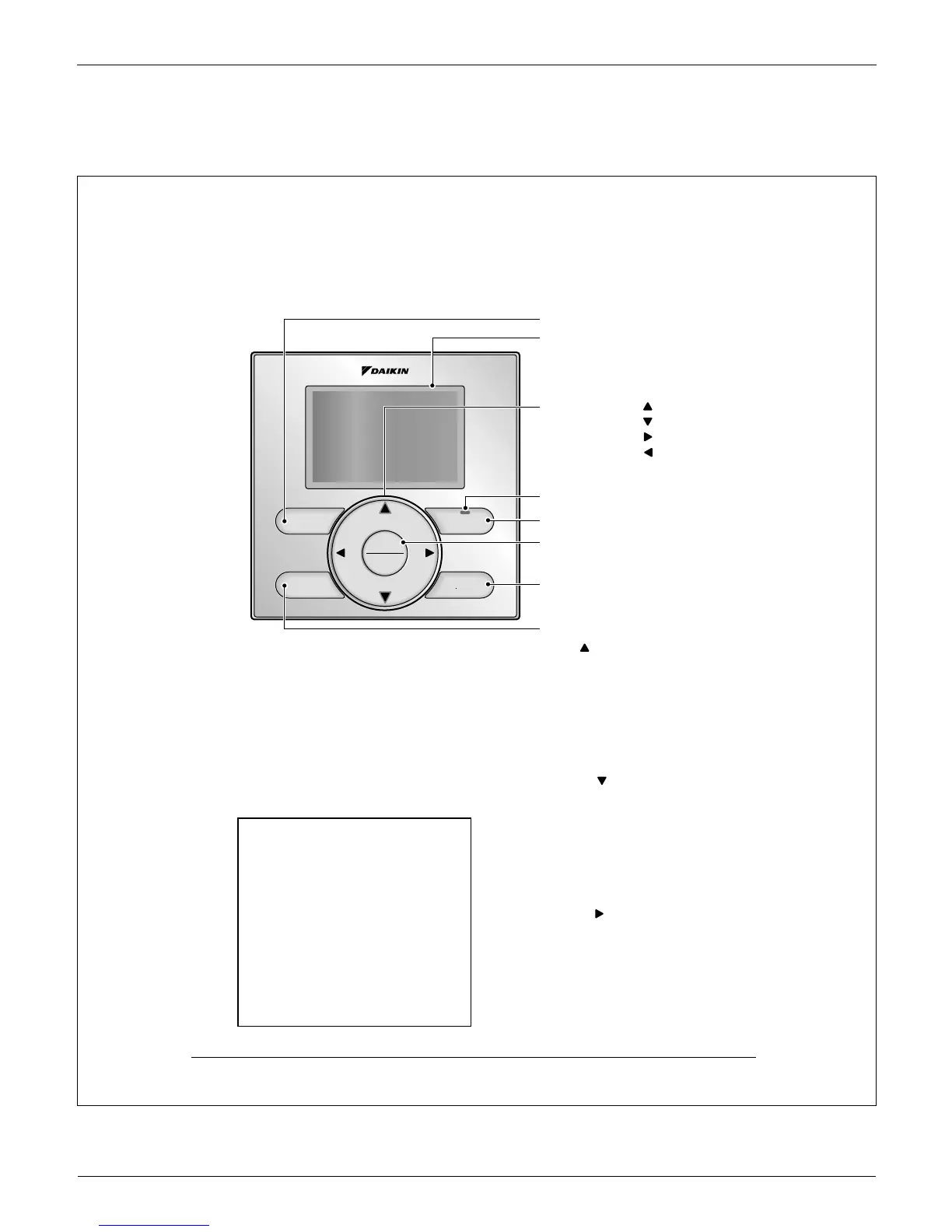
5.4 Functions and Menu Items of Remote Controller Buttons
3P243521-7L
On/Off
Mode
Fan
Speed
Cancel
Menu
OK
10 English
Functions and Menu Items of Remote 4.
Controller Buttons
Functions and menu items4-1
Operation mode selector button(1)
Used to change the mode.
Fan speed control button(2)
Used to change the fan control.
Menu/OK button(3)
Used to access the main menu. Ɣ
(For details of the main menu, see the
operation manual.)
Used to enter the item selected. Ɣ
Main Menu
∗Airfl ow Direction
∗Individual Airfl ow Direction
∗Ventilation
Schedule
Off Timer
Celsius / Fahrenheit
Filter Auto Clean
Maintenance Information
Confi guration
Current Settings
Clock & Calendar
Daylight Saving Time
Language
∗Depending on connected model
Up button (4)
Used to raise the setpoint temperature. Ɣ
The previous menu items will be Ɣ
highlighted.
(The highlighted items will be scrolled
continuously when the button is pressed
continuously.)
Used to change the selected item. Ɣ
Down button (5)
Used to lower the setpoint temperature. Ɣ
Items below the currently selected item Ɣ
will be highlighted.
(The highlighted items will be scrolled
continuously when the button is pressed
continuously.)
Used to change the selected item. Ɣ
Right button (6)
Used to highlight items to the right of the Ɣ
currently selected item.
Display contents are changed to next Ɣ
screen per page.
(1) Operation mode selector button
(11) LCD (with backlight)
(4) Up button
(5) Down button
(6) Right button
(7) Left button
(9) Operation lamp
(8) On/Off button
(10) Cancel button
(2) Fan speed control button
(3) Menu/OK button



 To Next Page