Operation Manual EDUS721438
34 BRC1E73
3P243520-7N
30 English
Menu Options
3
Return Setting
AUTO
ERV
Cool
Set to
74F
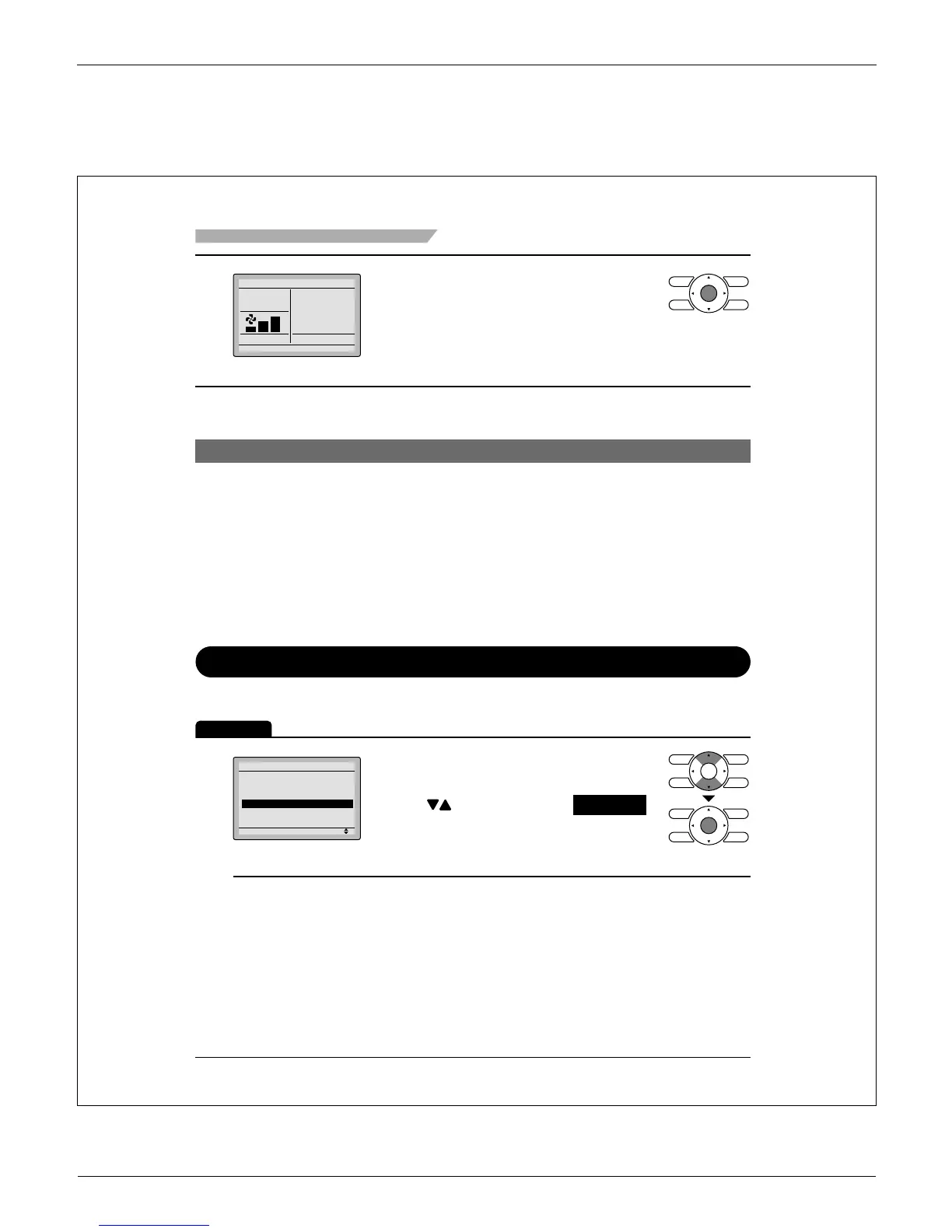
Selecting and confi rming the desired Ɣ
ventilation mode will take you back to
the basic screen.
(Pressing Cancel button takes you back to the
previous screen without changing the ventilation
mode. )
Ventilation Mode
Auto mode
Using information from the indoor unit (cool, heat, fan, and
setpoint) and the energy recovery ventilator unit (indoor and
outdoor temperatures), the ventilation mode is automatically
changed between ERV and Bypass.
ERV mode
Outside air is passed through the ERV core and is supplied to the
conditioned space.
Bypass mode
Outside air is supplied to the conditioned space without passing
through the ERV core.
Schedule
Setting the schedule
Operation
The schedule will disappear when a multizone controller is connected, but can be re-enabled by the system installer.
1
Setting
Main Menu
Airflow Direction
Individual Airflow Direction
Ventilation
Schedule
Off Timer
Celsius / Fahrenheit
1/3
Display the main menu screen. Ɣ
(See page 22.)
Press Ɣ buttons to select Schedule .
Press Menu/OK button to display the
schedule screen.



 To Next Page