EDUS721438 Operation Manual
BRC1E73 21
3P243520-7N
English 17
The icon “ ” will flash on all remote controllers when the power is turned ON for the first time.
Selection Settings
MASTER
CONTROLLED
2
Cool
Return Setting
Set to
MASTER
CONTROLLED
74F
Cool
Return Setting
Set to
74F
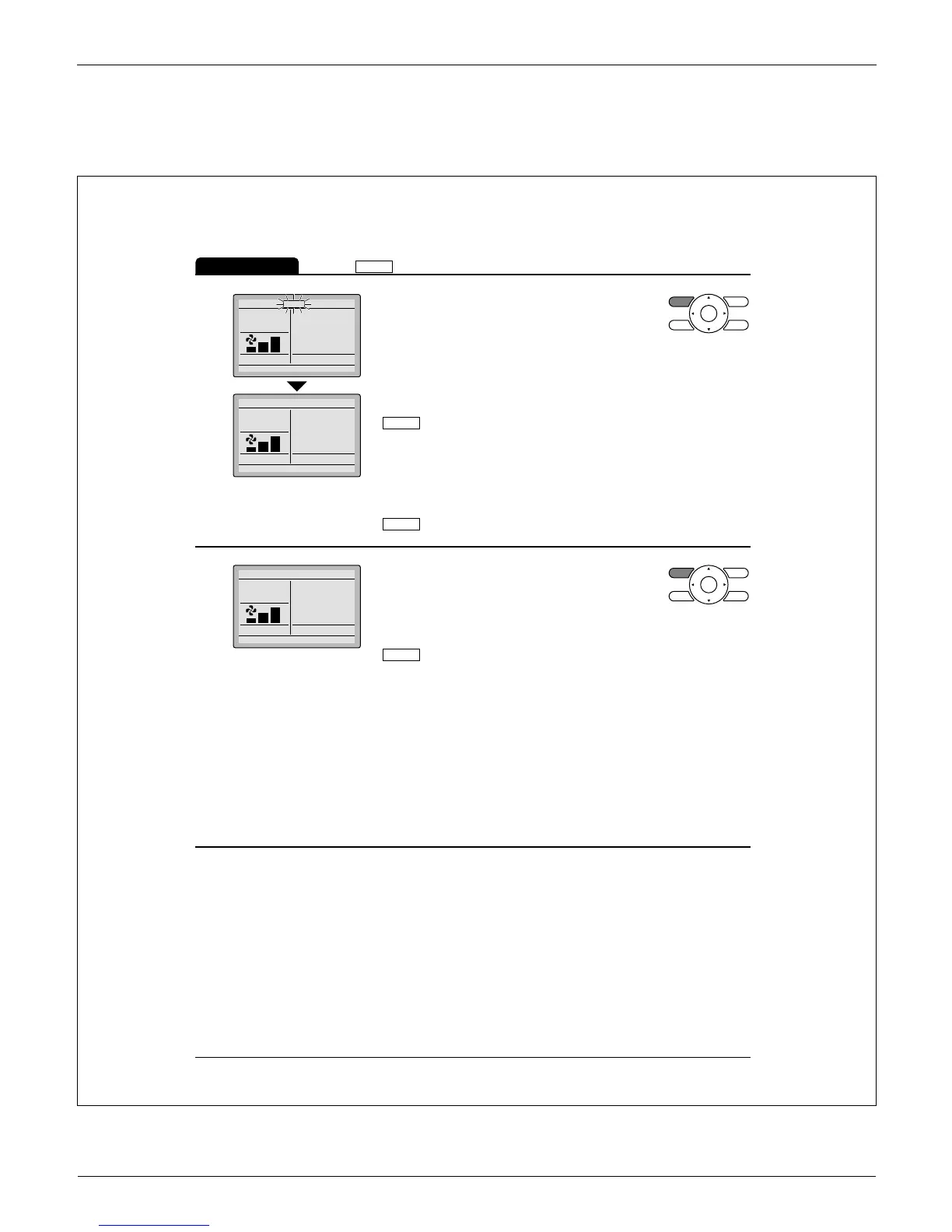
Press
Ɣ
Mode button on the remote
controller of the indoor unit which is to
serve as the cool/heat changeover
master.
The remote controller for the changeover
master indoor unit is established and the
MASTER
CONTROLLED
icon is no longer displayed.
Other remote controllers in the system
(indoor units served by the same outdoor
unit or indoor units served by the same
branch selector unit) will now display the
MASTER
CONTROLLED
icon.
3
Cool
Return Setting
Set to
74F
Press Ɣ Mode button on the remote
controller of the indoor unit designated
as the cool/heat changeover master (the
remote controller not displaying the
MASTER
CONTROLLED
icon) repeatedly until the desired
mode is selected. The display will
change to Fan, Dry, Auto, Cool, Heat
each time the button is pressed.
Simultaneously, the other indoor units on
Ɣ
the system will follow suit and change
modes to refl ect the new mode selected
at the changeover master remote
controller.



 To Next Page