Operation Manual EDUS721438
36 BRC1E73
3P243520-7N
32 English
Menu Options
3
Setting
Save the settings?
Schedule
Yes No
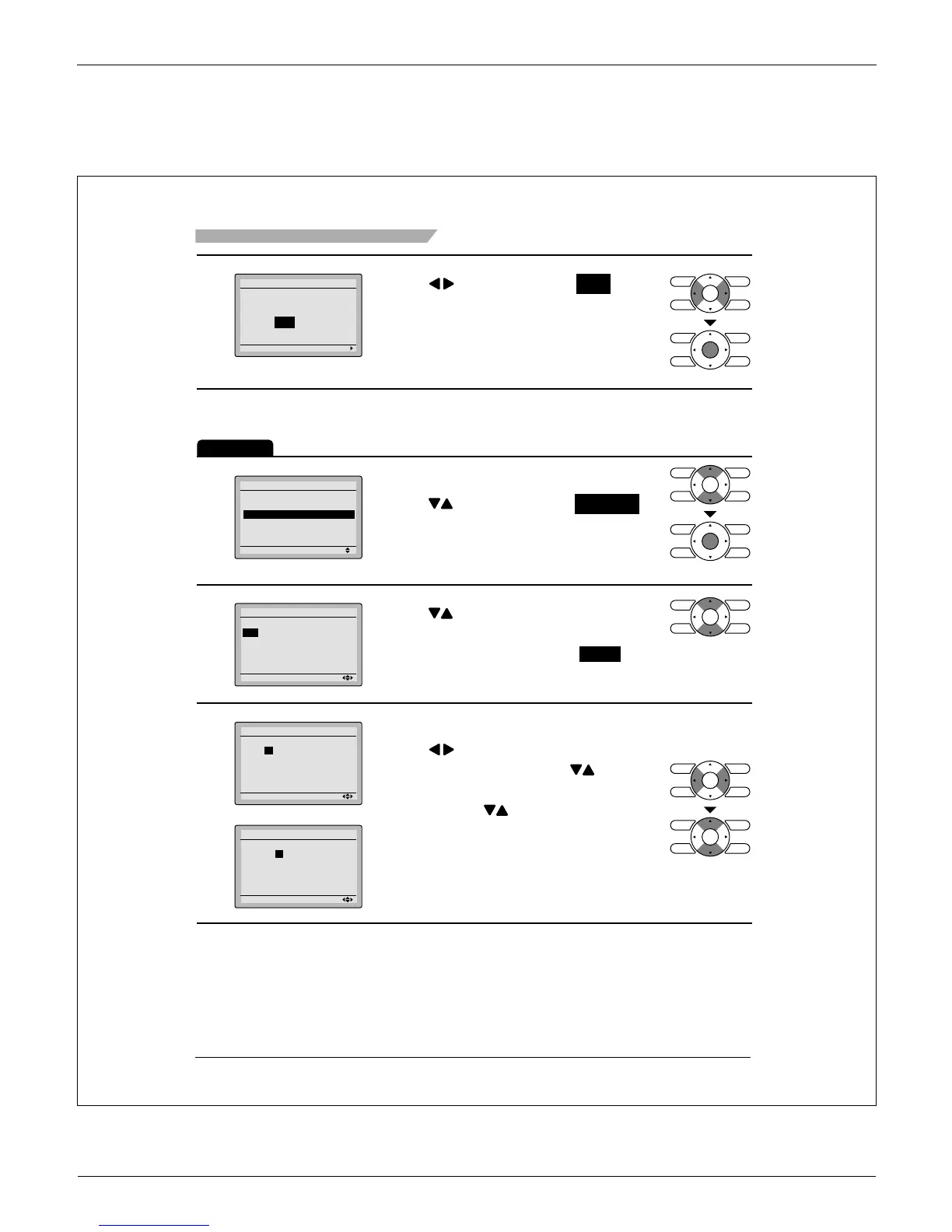
Press Ɣ buttons to select Yes on the
confi rmation screen.
Pressing Menu/OK button enters the
daily patterns in the schedule and takes
you back to the main menu screen.
Settings
Operation
1
Setting
Schedule
Enable/Disable
Daily Patterns
Settings
2/2
The schedule screen will appear. Ɣ
Press Ɣ buttons to select Settings
on the schedule screen.
The settings screen will appear when
Menu/OK button is pressed.
2
Setting
Schedule
Time Act Cool Heat
– – :– – – –
–
–
– – :– – – –
–
–
– – :– – – –
–
–
– – :– – – –
–
–
– – :– – – –
–
–
Mon
Press Ɣ buttons to select the day to
be set.
It cannot be selected in the case of * EVDY .
3
Setting
Schedule
Mon
Time Act Cool Heat
– 6 :00
A
– –
–
–
– – :– – – –
–
–
– – :– – – –
–
–
– – :– – – –
–
–
– – :– – – –
–
–
Setting
Schedule
Mon
Time Act Cool Heat
– 6:00
A
– –
–
–
– – :– – – –
–
–
– – :– – – –
–
–
– – :– – – –
–
–
– – :– – – –
–
–
Input the time for the selected day. Ɣ
Press Ɣ buttons to move the
highlighted item and press buttons
to input the desired operation start time.
Each press of
buttons moves the
numbers by 1 hour or 1 minute.



 To Next Page