DHOS-CS-IM-2107004D 7
3.2 Controller Setup
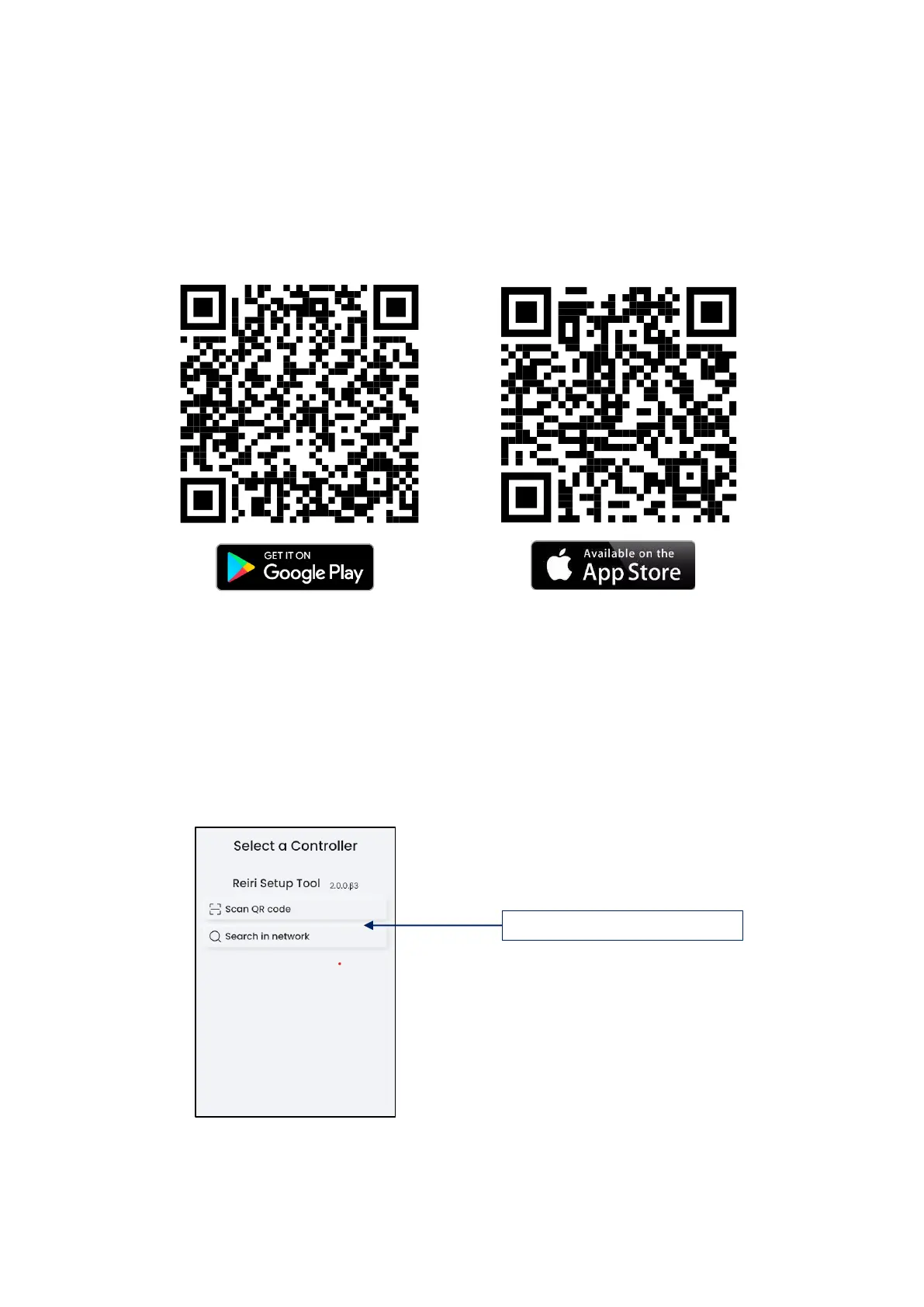
Setting up of controller requires the Reiri Setup Tool app. Download Reiri Setup Tool from
Google Play Store or Apple Store. Use the app to activate and setup the controller (user
accounts, name of controller, network access, date, and time).
QR code link to download app:
a) Connect the smartphone by WiFi to the router with internet access.
b) Launch the app.
c) Reiri Setup Tool start up page will show up. Tap on target controller to login. If the
controller is not shown, check the following:
• Wait for controller to fully boot up (approximately 2 minutes)
• Ensure router and network are working
• Ensure Smartphone is connected to the correct WiFi network
Tap “Find Controller” after checks are done to refresh the controller list. *



 To Next Page