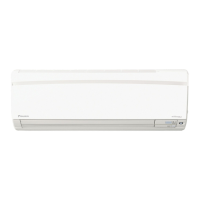
OPERATION
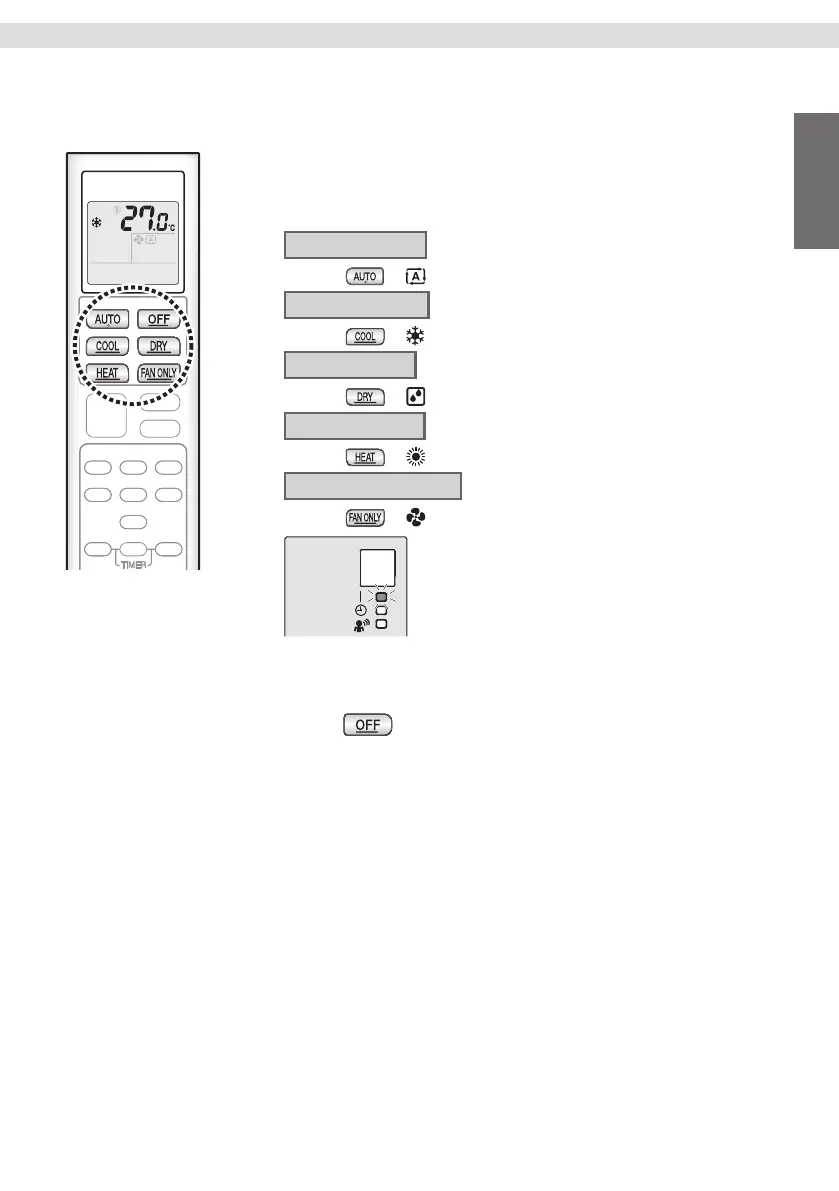
AUTO · COOL · DRY · HEAT · FAN ONLY
Operation
The air conditioner operates in the user selected operation mode.
To start operation
1. Press button of your desired operation mode.
AUTO operation
• Press
. “ ” appears on the LCD
COOL operation
• Press
. “ ” appears on the LCD
DRY operation
• Press
. “ ” appears on the LCD
HEAT operation
• Press
. “ ” appears on the LCD
FAN ONLY operation
• Press
. “ ” appears on the LCD
• AUTO/COOL/DRY/HEAT/FAN ONLY Operation
The OPERATION lamp lights green.
• Operation mode can be changed while operating
by pressing your desired operation mode button.
Display
To stop operation
2. Press .
• Then OPERATION lamp goes off.
9
English


 To Next Page