32
System control via Smart Control
English
NOTE
Note on simple connection (WPS connection)
• If you fail to connect (the wireless LAN connecting adapter lamp (orange) continues to blink), repeat steps 1-5.
Alternatively, try connecting via your device directly. Please refer to “Access point connection (AP connection)”
.
To connect the wireless LAN connecting adapter to your home network
The wireless LAN connecting adapter can be connected to your home network by means of:
• Simple connection (WPS connection), if there is a WPS button on the router.
• Access point connection (AP connection), if there is no WPS button on the router.
Simple connection (WPS connection)
If there is a WPS button on your Wi-Fi router, please follow the below steps.
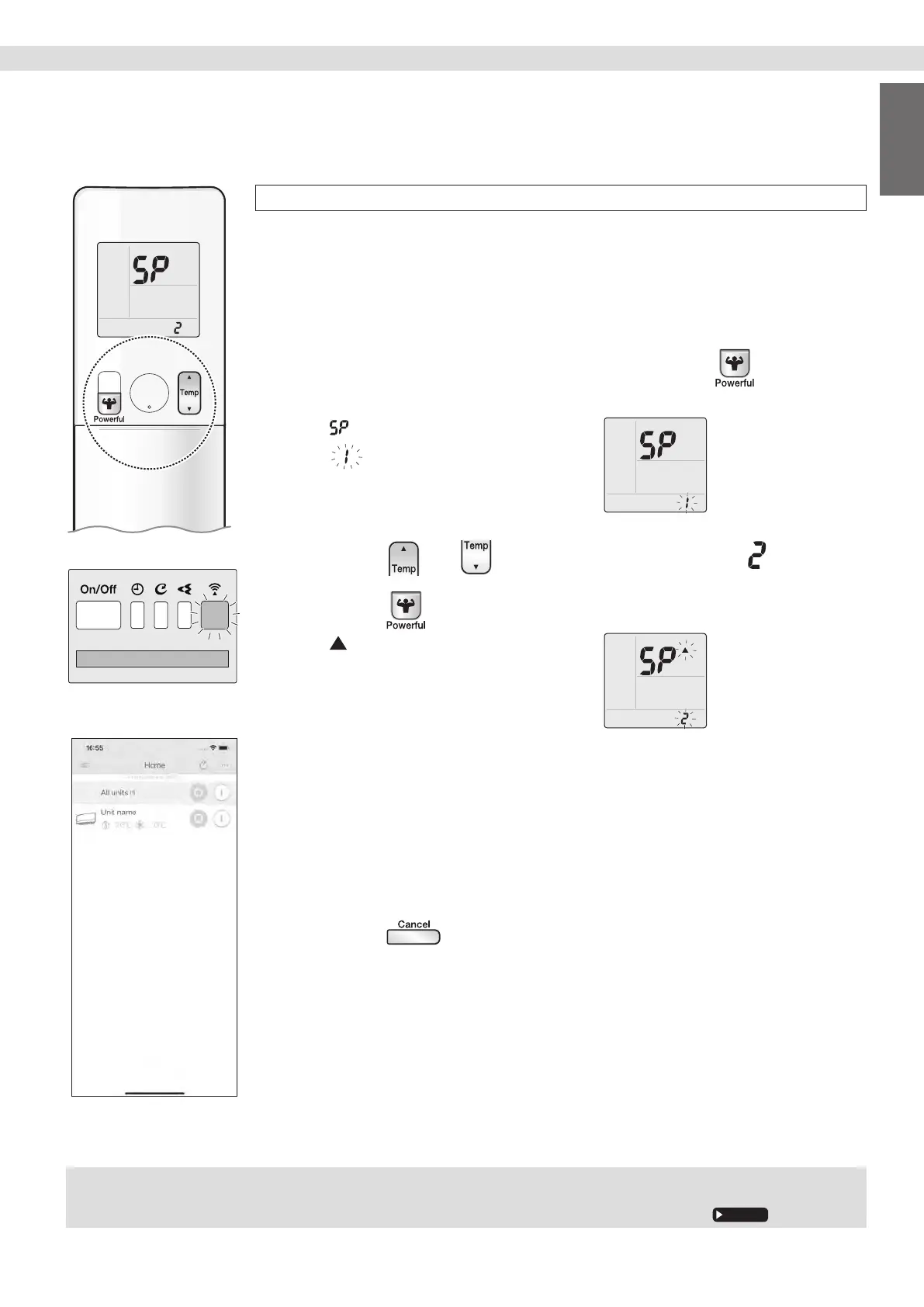
1. While operation is stopped, press and hold
the button for 5 seconds.
• “ ” appears on the LCD.
• “
” (SP menu) blinks.
2. Press or and select SP menu .
3. Press to conrm the selected setting.
• “ ” blinks briey.
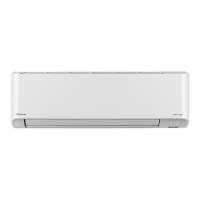
• The wireless LAN connecting adapter
lamp (orange) blinks more quickly.
4. Press the WPS button on your communication
device (e.g. router) within approximately one
minute. Please refer to the manual of your
communication device.
• The wireless LAN connecting adapter lamp (orange) stays lit. If you fail to connect,
refer to NOTE.
5. Press to return to the default screen.
6.
Connect your smart phone to your home network.
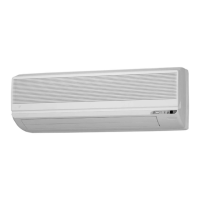
7. Open the Home screen of the DAIKIN Mobile
Controller application. The air conditioner will
be listed there (Fig.1).
Display
Fig. 1


 To Next Page