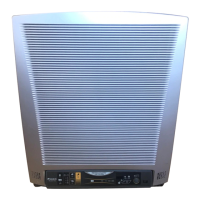
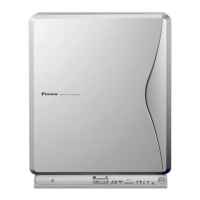
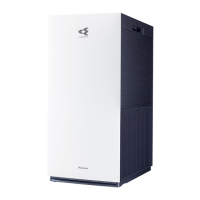
Accessories
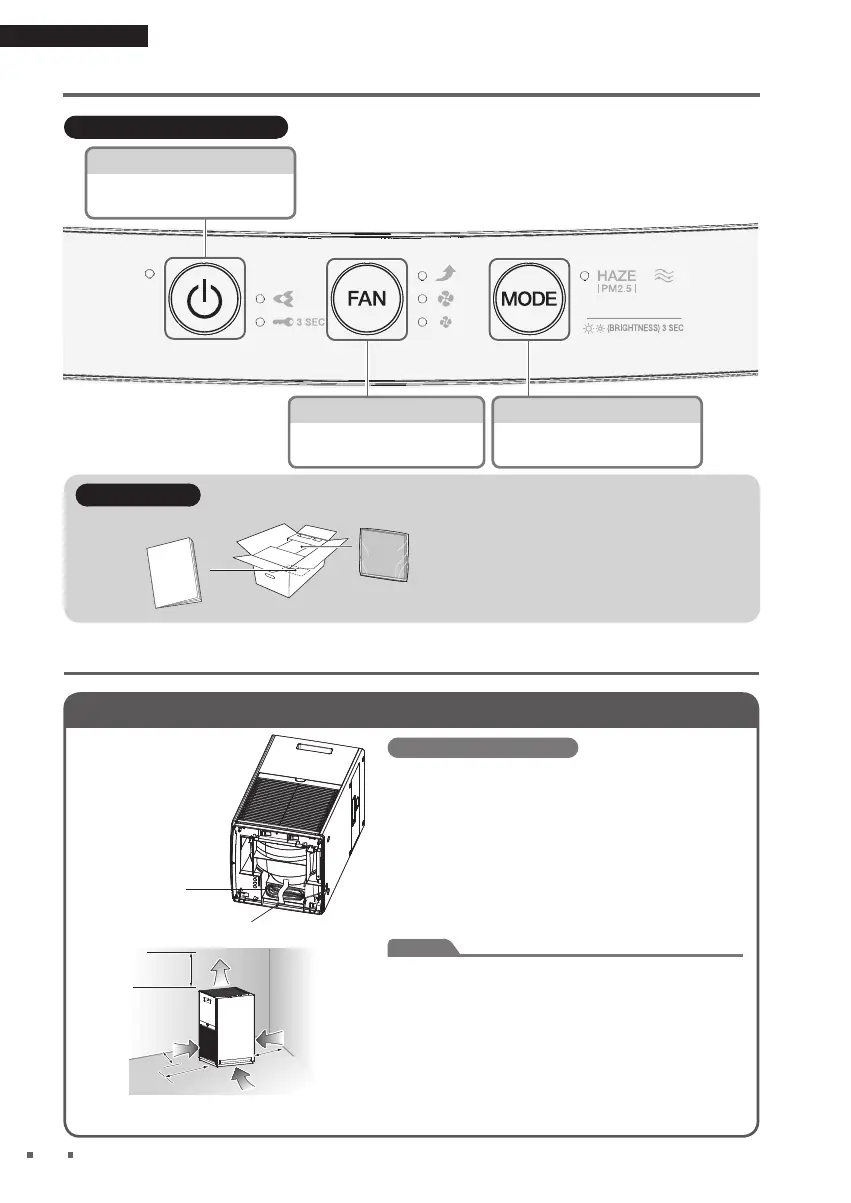
Operation manual ... 1
Deodorising fi lter .................... 1
A
ttach to the unit before operation.
For details, refer to the notice
adhered to the deodorising fi lter.
1
Positioning the unit
Before installation, peel off
the tape fi xing the power
supply cord to the bottom
of the unit and draw out the
power supply cord.
Power supply cord
Tape (blue)
Pointers for good positioning
•
Choose a position from where airfl ow can reach all areas of the
room.
•
Place on a stable surface. If the unit is placed on an unstable
surface, vibrations from the unit may be amplifi ed.
•
If you fi nd that interference from the power circuit inside the unit
or cables causes interference on your TV screen or static noise
to be emitted from nearby radios or stereos, move the unit to at
least 2m away from the device.
Keep cordless phones and radio-controlled clocks away from the
unit also.
Attention
•
To avoid staining of walls, position the unit in accordance with
the positioning measurements in the illustration. However, note
that since this unit draws in dirty air, certain types of wall may be
stained even if the measurements are adhered to.
In such cases, make sure to maintain suffi cient distance between
the unit and the wall.
•
When used for a long period of time in the same location, the
fl oor and surrounding walls may get stained as air is drawn into
air inlets near the base of the unit. It is recommended to clean
the unit periodically.
At least 100cm
away from ceiling
At least 30cm
away from wall
Air fl ow
At least 10cm
away from wall
At least 30cm
away from wall


 To Next Page