© 2019 Daikin North America, LLC
38
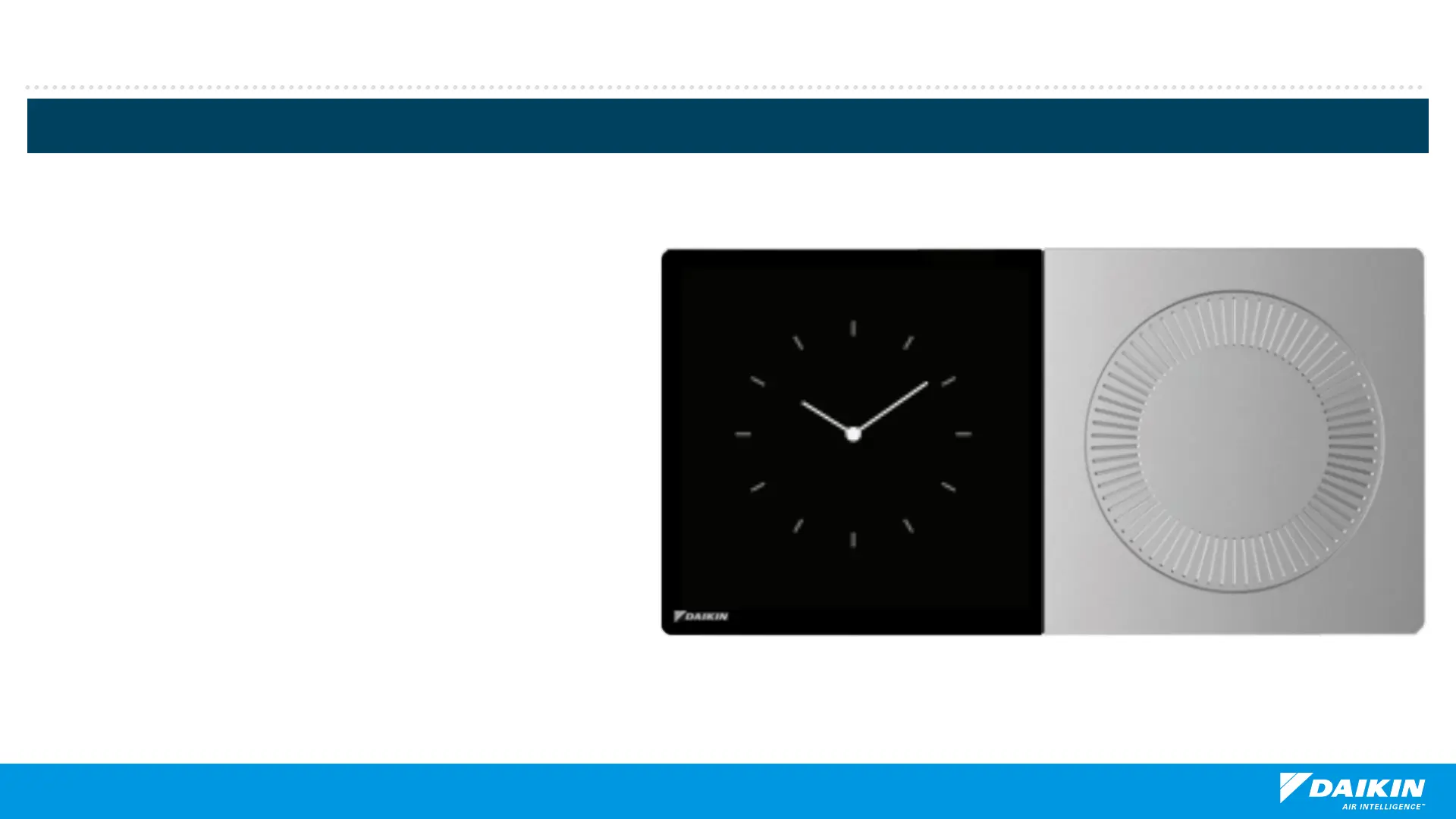
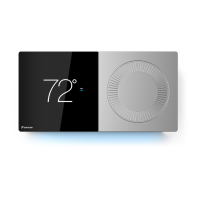
Note: Analog turn dial is used to
adjust temperature only. Pressing
the dial returns to the home screen.
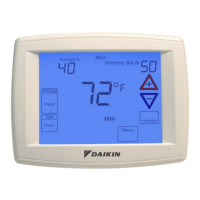
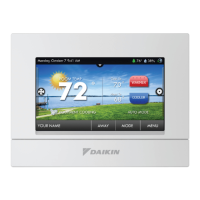
Homeowner Navigation
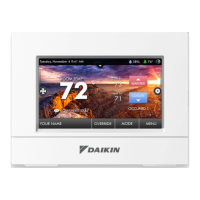
Normal mode allows you to view
messaging, temperature, and access
settings to make adjustments within the
parameters placed by the installer.
Navigating is accomplished by tapping
icons or turning the analog dial.
When away, a screen saver will appear
until the proximity sensor identifies a
nearby object.
Normal Mode


 To Next Page