© 2019 Daikin North America, LLC
39
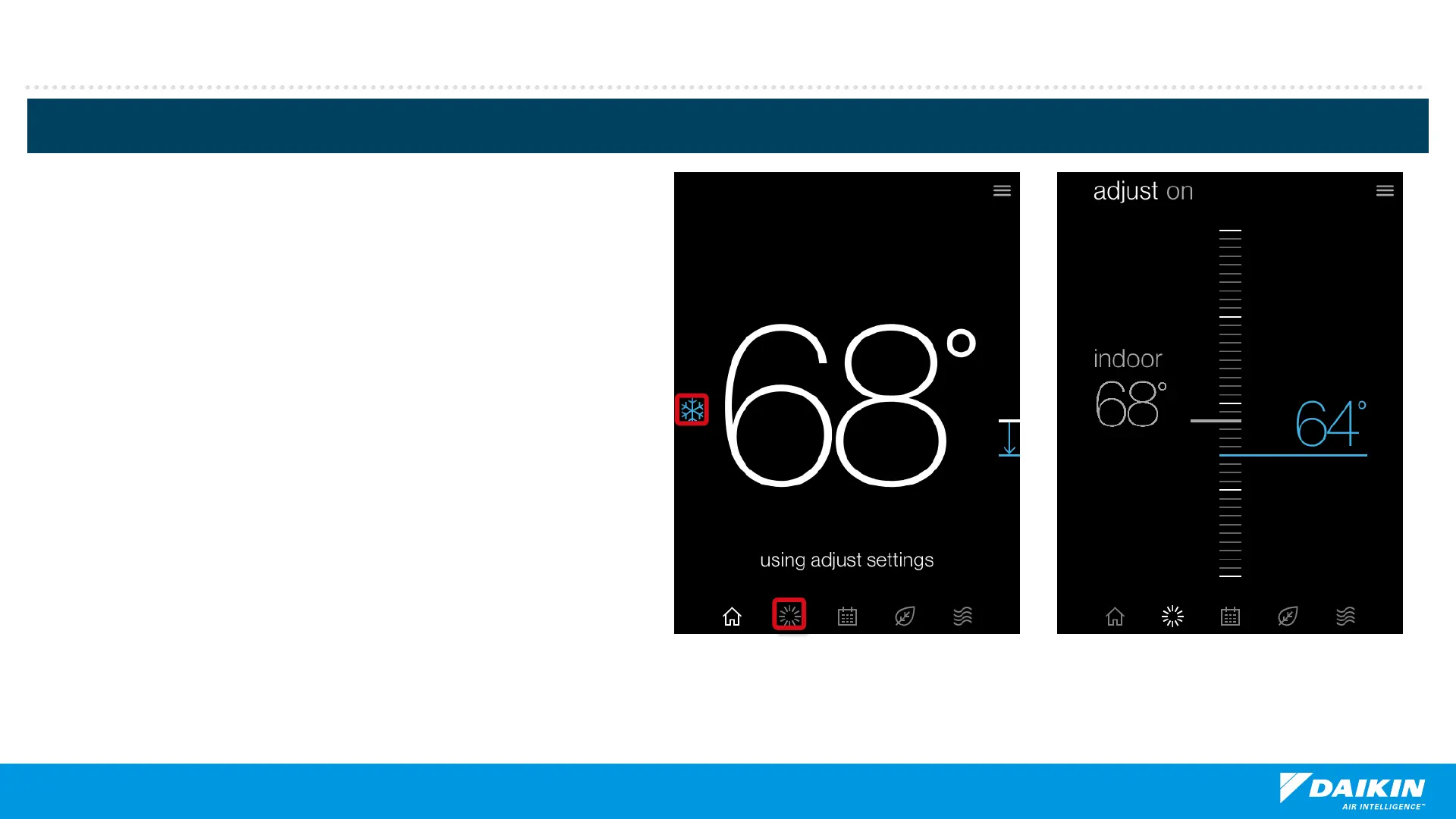
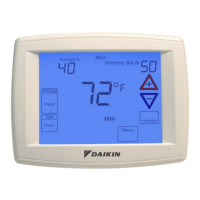
Note: If the setpoint is lower or higher than the
current temperature a temperature direction arrow
is displayed.
Homeowner Navigation
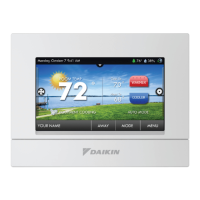
Tapping the system mode icon allows you to
select:
Auto. (cool & heat)
Cool.
Heat.
Off.
Emergency heat. (heat pump only)
Adjustments to setpoints are displayed by
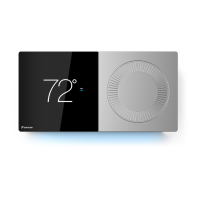
tapping the adjust icon or turning the analog
dial.
Change setpoints by rotating the dial or
touching the screen to drag and drop to your
desired temperature.
.
Adjust control


 To Next Page