9
Time Period Programming
Overview
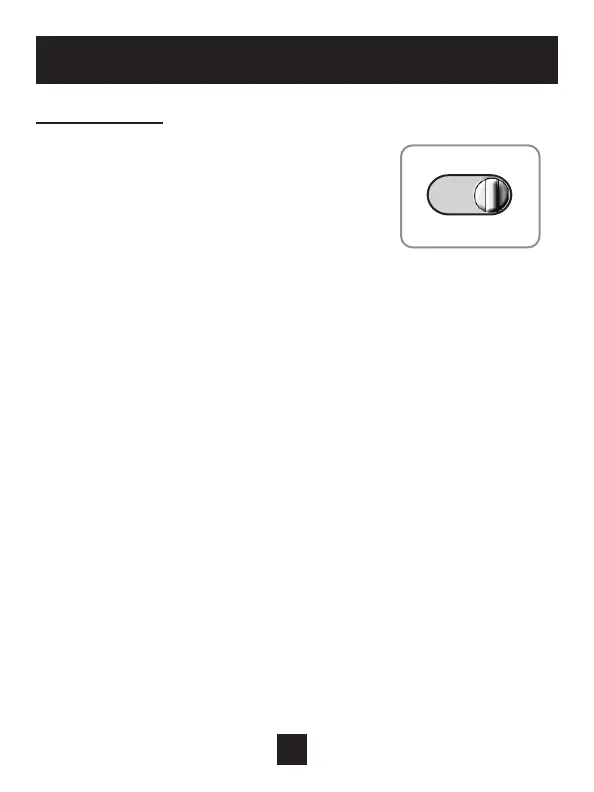
• Slide the Program Switch to the SET position.
• The blinking icon(s) on the display may be
changed by pressing the COOLER or WARMER
buttons.
• After the blinking icon is changed to the desired
selection, press the NEXT button.
• Each item in the time period programming screens will flash and can
be modified with the COOLER & WARMER buttons.
• Continue the steps above until programming is complete.
• Slide the Program Switch to RUN and the thermostat will run the time
period program.
• If the Program Switch is in the OFF position, the thermostat will not run
the time period program. In this case, the thermostat will be a manual
heat or cool only thermostat.
PROGRAM
RUN OFF SET
PROGRAM SWITCH



 To Next Page