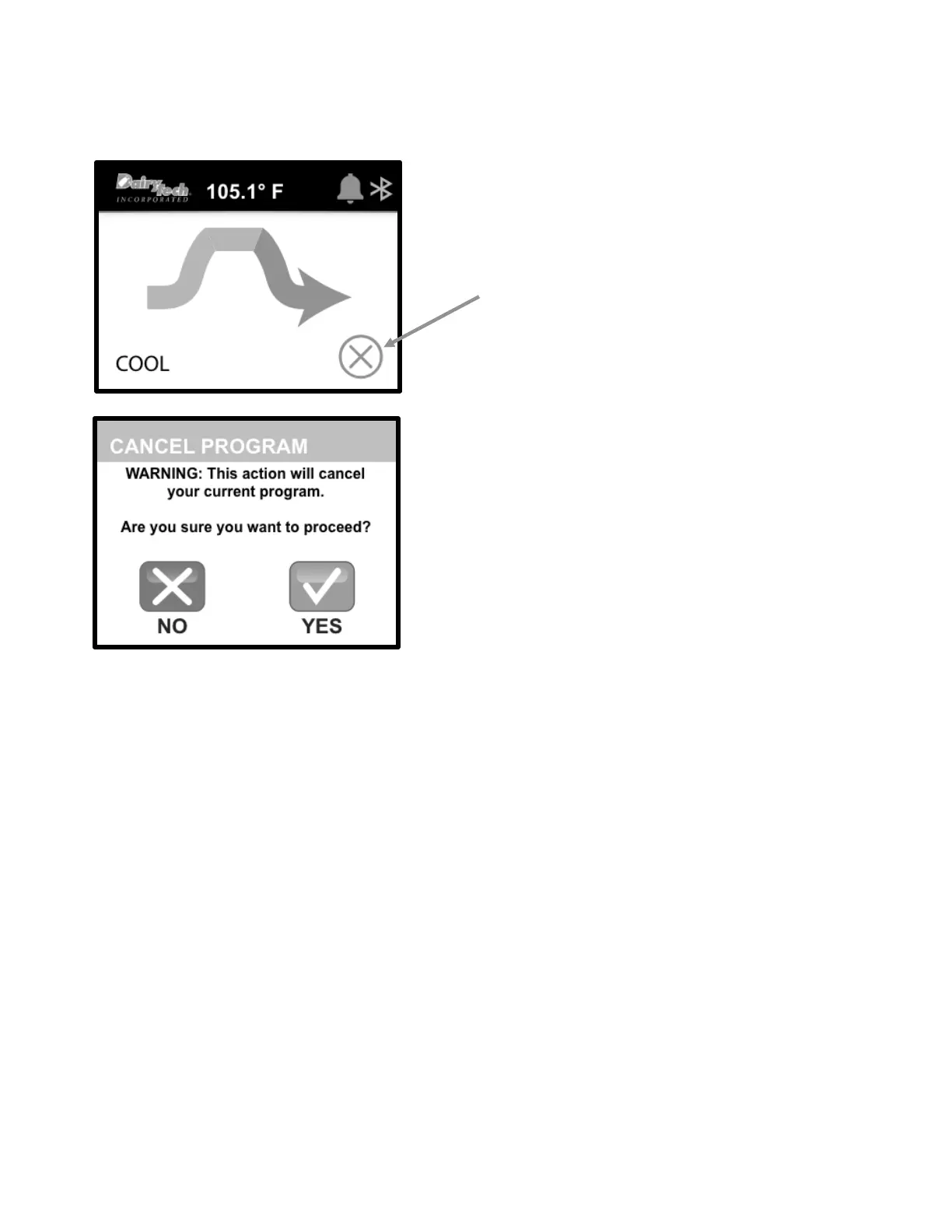
CANCEL PROGRAM
If you want to cancel a program, simply touch the “CANCEL” button
in the lower right corner of the controller screen.
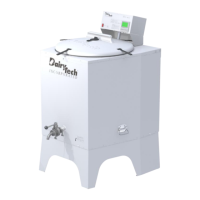
After you select “CANCEL”, you will see another screen that will ask
you to confirm that you wish to cancel the current program.
• Selecting “NO” takes user back to program already in
progress.
• Selecting “YES” terminates program and takes user back to
HOME Screen.


 To Next Page