2, 3, 6
Element #1, #2, or #3 was using
MORE current than expected.
1. Check that the voltage across indicated heating element does not exceed 250 VAC.
2. Disconnect power and check that element resistance is greater than 18 Ω.
3, 5, 7
Element #1, #2, or #3 was using
LESS current than expected
1. Check that the voltage across the middle heating element is at least 200 VAC.
2. Disconnect power and check that element resistance is less than 30 Ω.
8
The temperature sensors in the
tank measured a significant
1. Check that the tank is full of water.
2. Check that the solenoid valve turns off when tank is full during heating.
9
The controller and bridge
temperatures were too far apart.
1. Check that the bridge fan runs when the stir motor is running.
2. Make sure the air filters on the bottom of the machine are not clogged or blocked.
3. Do not operate the machine in freezing conditions.
4. Do not operate the machine if the air temperature exceeds 50°C (122°F).
15
The power board was not
detected.
1. Check that the Power PCB data cable is connected to both the Controller PCB and the
Power PCB.
2. Check that the Power PCB power supply cable is connected at both the Power Supply
and the Power PCB.
3. Try power cycling the machine and checking if the problem persists.
19
The bridge board was not
detected.
1. Try power cycling the machine and checking if the problem persists.
2. Check that the ethernet cable is firmly connected to the bridge board and the
16, 17,
18
The 24VDC, 3.3VDC, or 1.8VDC
line in the power board
measured out of range.
Power PCB 24V0 Bus Fault, 3V3 Bus Fault and/or 1V8 Bus Fault: The Power PCB bus
voltage was out of range.
1. Try power cycling the machine and checking if the problem persists.
2. Check if the wires have been disconnected from the temperature switch terminals.
3. Check for continuity between the temperature switch terminals.
20, 21,
22, 23
The 24VDC, 5.0VDC, 3.3VDC,
1.2VDC line in the controller
board measured out of range.
Controller PCB 24V0 Bus Fault, 5V0 Bus Fault, 3V3 Bus Fault and/or 1V2 Bus Fault: The
Controller PCB bus voltage was out of range.
1. Try power cycling the machine and checking if the problem persists.
2. Check that the Controller PCB power supply cable terminals are fully connected to
the Controller PCB.
24, 25,
26
The power board relay #1, #2, or
#3 output driver reported an
1. Try power cycling the machine and checking if the problem persists.
2. Check for additional error codes.
27
The power board SSR #2 output
driver reported an error.
1. Check the solid-state relay wiring at the Power PCB
2. Check for additional error codes.
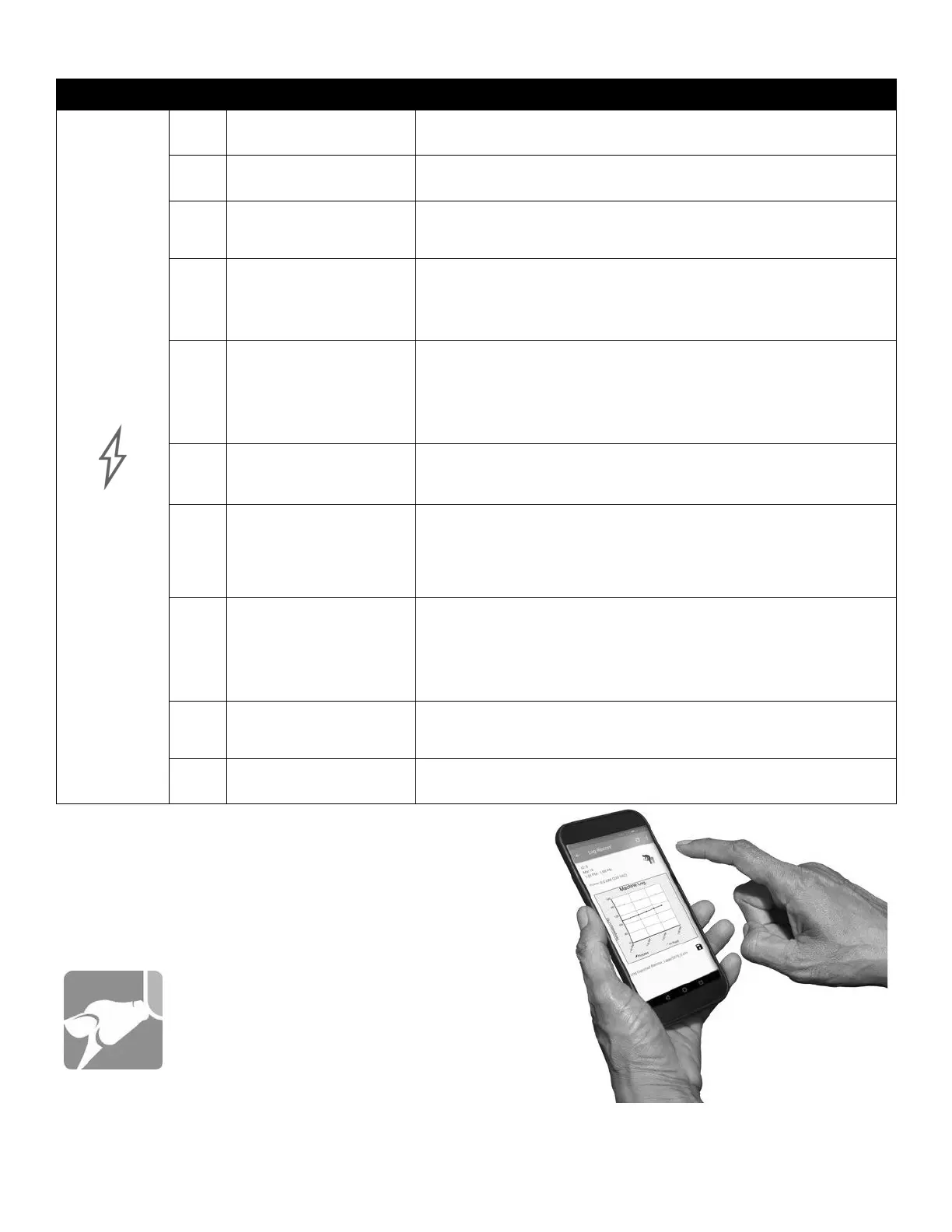
This is only a basic list of possible error symbols, possible issues and solutions. For
the most comprehensive diagnostic tool, please consider purchasing the Perfect
Udder® App. It not only has the most up-to-date trouble shooting guides, it also
gives you the ability to monitor individual machine performance and install system
software updates.
Ask your Dairy Tech, Inc. dealer for more information about this valuable
tool.


 To Next Page