EasyManua.ls Logo

D&R AIRENCE - Configuration Management; Configuration Viewer; Connecting and Saving Configurations

D&R AIRENCE
64 pages
Print Icon
To Next Page IconTo Next Page
To Previous Page IconTo Previous Page
Loading...
A I R E N C E - U S B M a n u a l P a g e 39
Conguraon viewer
In the conguraon viewe
the control signals are shown in the Virtual Keyboard Mapping

Control Module (Pressed)
Control Module (Released)
USB Channels (Pressed)
USB Channels (Released)
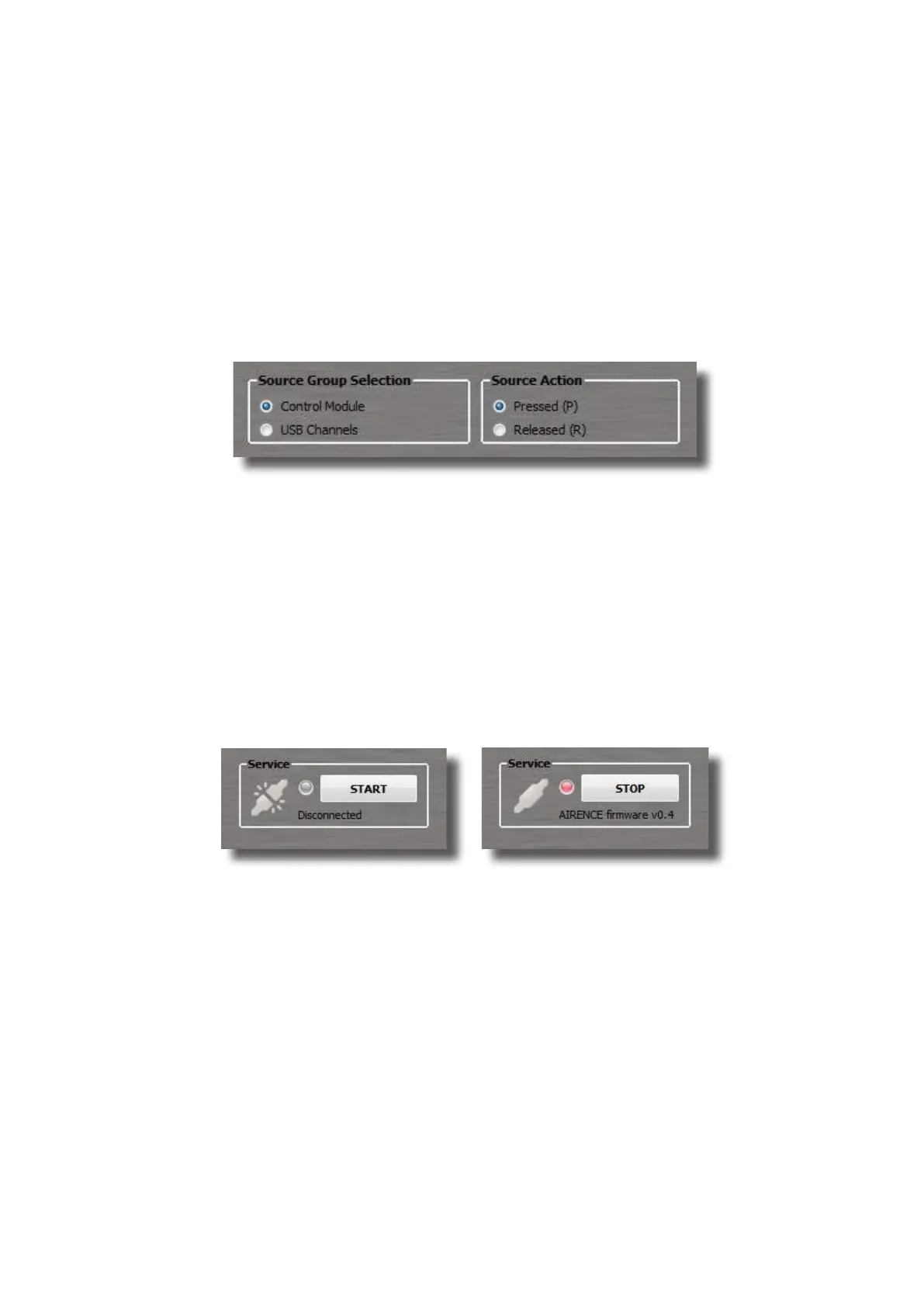
Source Group Selecon and Source Acon boxes which are
located above the conguraon viewer
Figure 10. Page selecon view
Lets get connected

signals from the Airence mixer. To do so, you have to press the START-
STOP
STOP
Airence mixer.



Figure 7a. Disconnected Figure 7b. Connected
Presets

.akp
Keyboard Preset).
Store preset
File->Save, or File->Save as.
Recall preset
Recalling a stored preset can be done by clicking on File->Open
Sengs
Under Sengs->Presets you


Table of Contents