Lamp indicating that the unit tank is being filled with water (in case of
too low a water level – please refer to unit tank alarms).
Press this button if you need to check if all lamps on the Unit Control
Panel are functioning properly. When pressed, all lamps will turn on. If
they do not, you should check the bulbs and wiring of lamps.
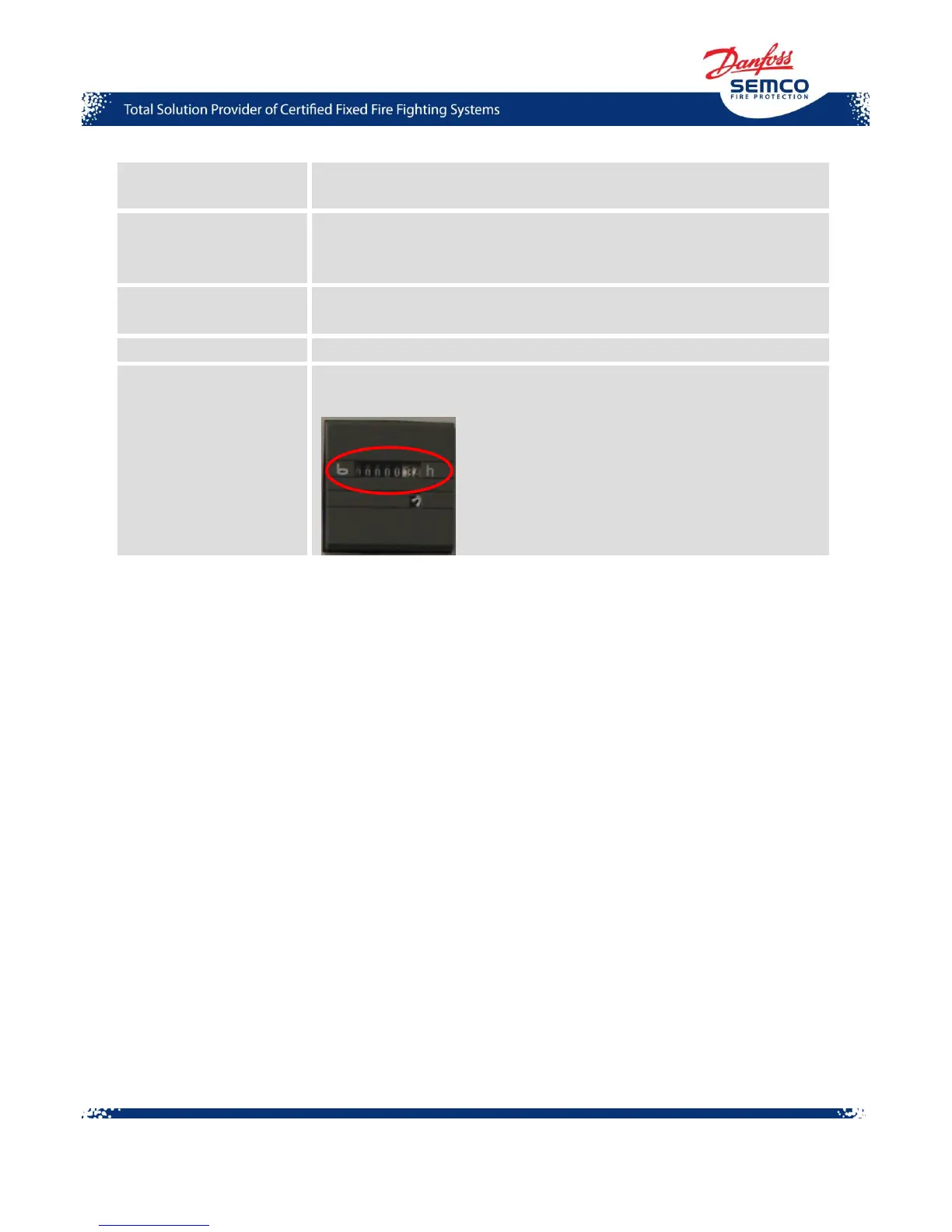
Displays for how many hours the SEM-SAFE
®
High-Pressure Water
Mist Pump Unit has been working (during operation or service).
Alarm panel on UCP
The alarm panel on the Unit Control Panel for marine application is equipped with 8 LED lamps
marked 1 to 8 which indicate the condition of alarm for individual functions and 2 lamps indicating
contact output. In ready mode with power on and no alarm initiated, LED lamps on the alarm panel
will light green which means that auxiliary voltage is connected and the processor is active.
When an alarm condition occurs, LED lamps for the particular function will flash with red light or,
only in the case of cable failure, with yellow light. Alarm indicators are reset using the “LAMP
RESET” push-button. If more than one alarm occurs, and the “LAMP RESET” push-button is not
activated, the first alarm LED lamp will flash ahead of others.



 To Next Page