16
Programming the unit - 24 hour mode
Programming event times in 24 hour mode
You can programme your timeswitch to come on and go o up to
3 times each day, to suit your requirements.
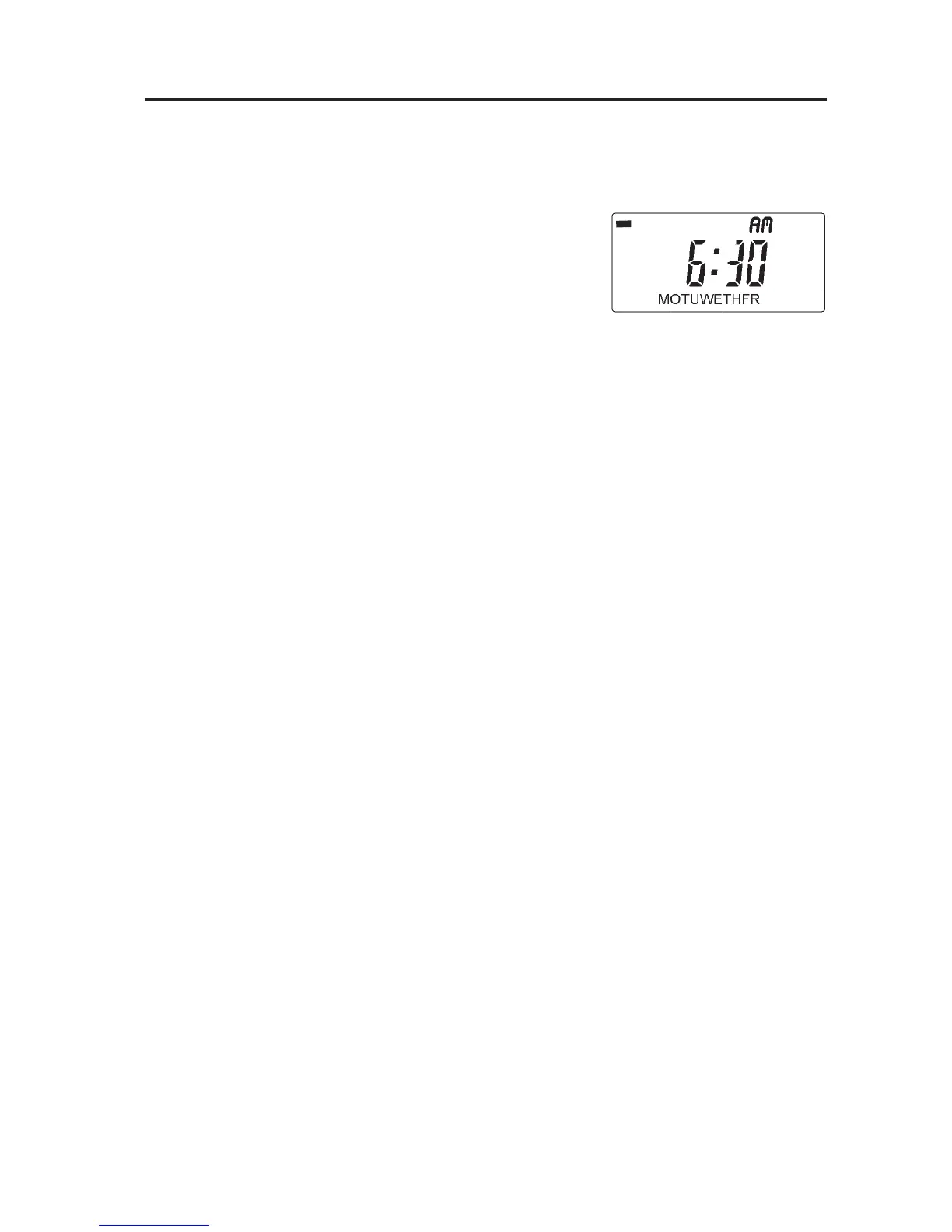
Press PROGRAMME until 1 (Event
1) shows along the top of the
display.
Use the + and - buttons to set the
time you want your system to rst
come on in the morning
Press PROGRAMME again to move to the next step (Event
2)
Use the + and - buttons to set the time you want your
system to rst go o .
Continue using the PROGRAMME and +/- buttons in this
way to set the ON/OFF times for events 3-6 (2nd ON/OFF
& 3rd ON/OFF).
N.B. It is not possible to programme times out of sequence.
If you do not press a button at all for 3 or 4 minutes the unit
will automatically return to RUN mode.
1


 To Next Page