4 | © Danfoss | 2016.02 VI.KT.Y2.02 VI.KT.Y2.02 © Danfoss | 2016.02 | 5
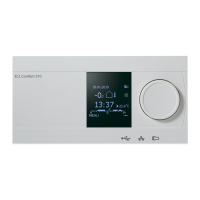
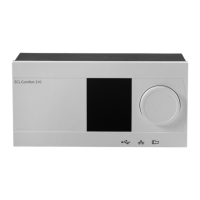
You navigate in the controller by turning the
dial left or right to the desired position
( ).
The position indicator in the display ( ) will
always show you where you are.
Push the dial to conrm your choices ( ).
The display examples are from a two-circuit
application: One heating circuit ( ) and one
domestic hot-water (DHW) circuit ( ). The
examples might dier from your application.
Heating circuit ( )
DHW circuit ( )
General controller settings such as ‘Time and
Date’, ‘Holiday’ etc. are placed in ‘Common
controller settings’ ( ).
How to enter common controller settings:
Action: Purpose: Examples:
Choose 'MENU' in any
circuit
Conrm
Choose the circuit selector
at the top right corner in
the display
Conrm
Choose common controller
settings
Conrm
2.0 How to navigate


 To Next Page
 Loading...