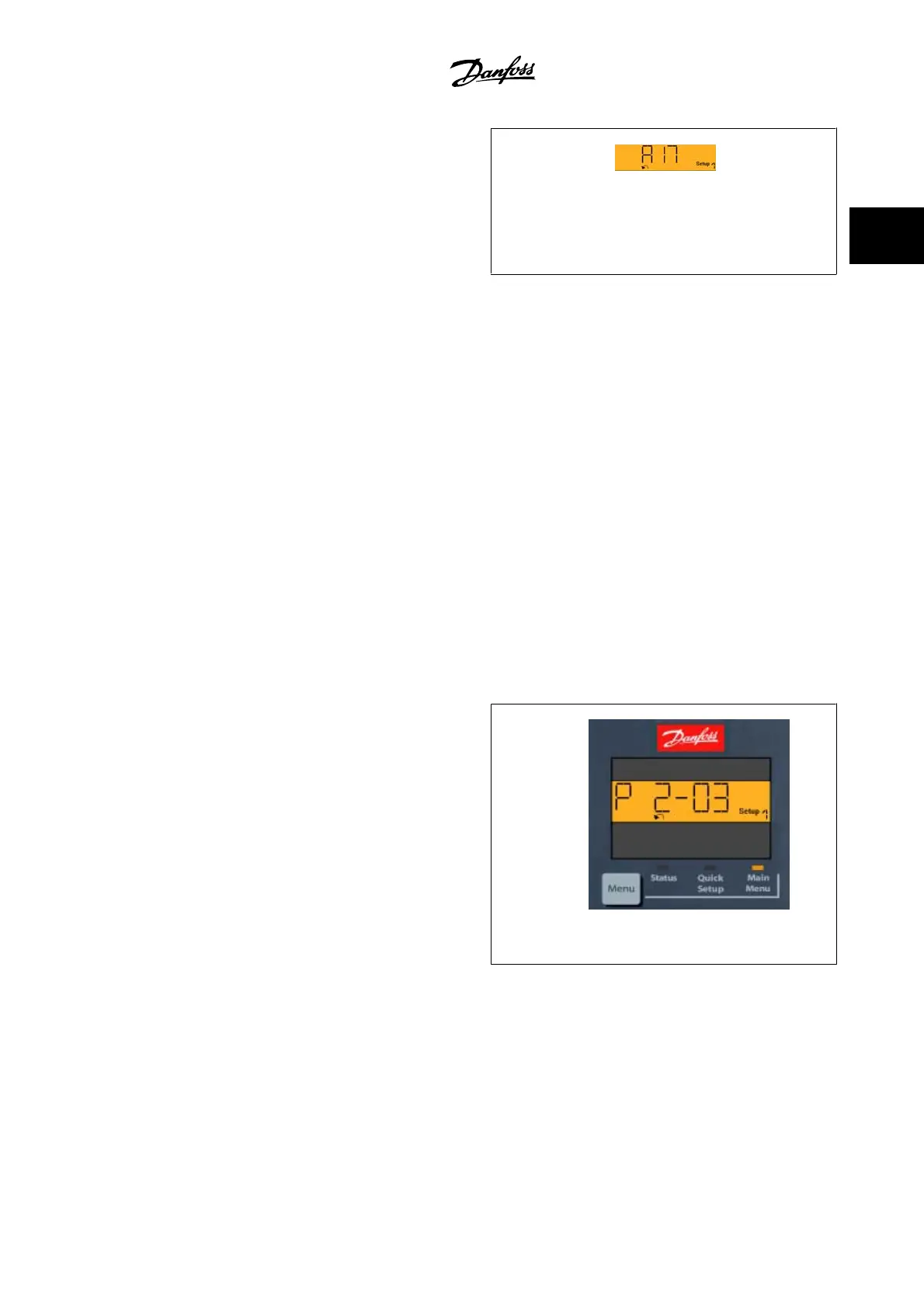
Indicator lights (LEDs):
• Green LED/On: Indicates if control section is on.
• Yellow LED/Wrn.: Indicates a warning.
• Flashing red LED/Alarm: Indicates an alarm.
130BP078.10
Figure 2.3: Alarm display example
Menu key
[Menu] Select one of the following modes:
• Status
• Quick Set-up
• Main Menu
Main Menu is used for programming all parameters.
The parameters can be accessed immediately unless a password has been created via par.0-60
Main Menu Password
, par.0-61
Access to Main Menu w/
o Password
, par.0-65
Personal Menu Password
or par.0-66
Access to Personal Menu w/o Password
.
Quick Set-up is used to set up the adjustable frequency drive using only the most essential parameters.
The parameter values can be changed using the up/down arrows when the value is flashing.
Select Main Menu by pressing the [Menu] key a number of times until the Main Menu LED is lit.
Select the parameter group [xx-__] and press [OK]
Select the parameter [__-xx] and press [OK]
If the parameter is an array parameter, select the array number and press [OK]
Select the wanted data value and press [OK]
Navigation Keys [Back] for stepping backwards
Arrow [▼] [▲] keys are used for navigating between parameter groups, parameters and within parameters.
[OK] is used for choosing a parameter marked by the cursor and for enabling the change of a parameter.
130BP079.10
Figure 2.4: Display example
VLT
®
HVAC Drive Programming Guide 2 How to Program
MG.11.C6.22 - VLT
®
is a registered Danfoss trademark
2-7
2


 To Next Page
 Loading...