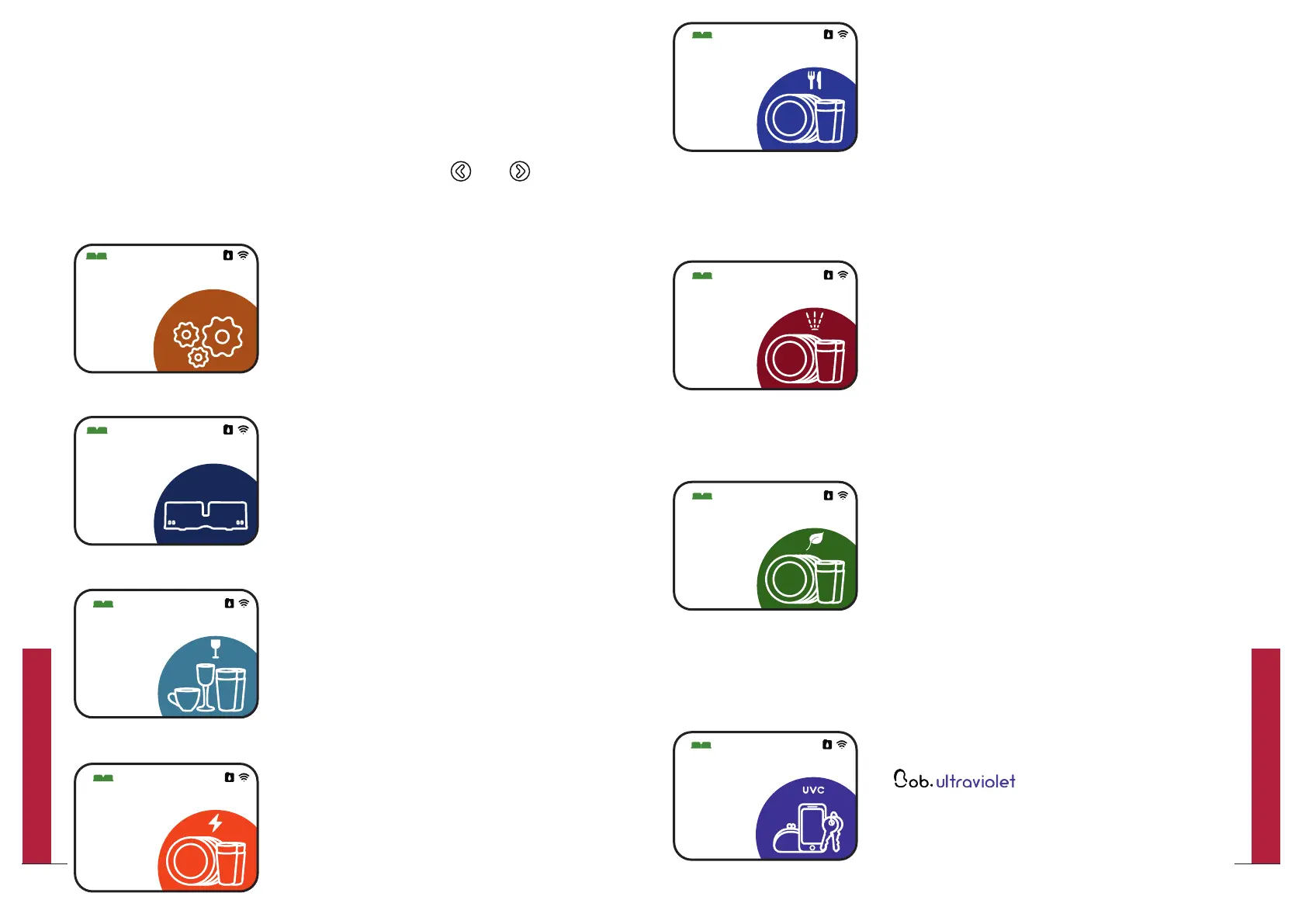
Daily
Factory reset start screen
You can change your start screen by selecting
your preferred program in the “Setting” menu.
The selected preferred program becomes your
your new start screen.
For further information, please refer to page 24.
Intensive
Eco
UVC sanitizer
Available only if you added the
option during the
purchase of your Bob. This screen allows
you to run a UV-C cycle without any water
to sanitize items with UV-C rays.
For further information, please refer to
page 28.
Optional
30
UVC sanitizer
20min
60min
sans eau
When starting Bob you may navigate through the
different menu options of the home screen.
1.2 | Menu options of the home screen
The following menu options are available.
Parameters
Bob cassette
Glasses
You can navigate right and left by pressing
and .
Express
23
QUICK UTILIZATION GUIDE
22
QUICK UTILIZATION GUIDE


 To Next Page