STXC2 User’s guide
Version 2.0
9 of 30
2.2 Display set-up.
2.2.1 Language selection.
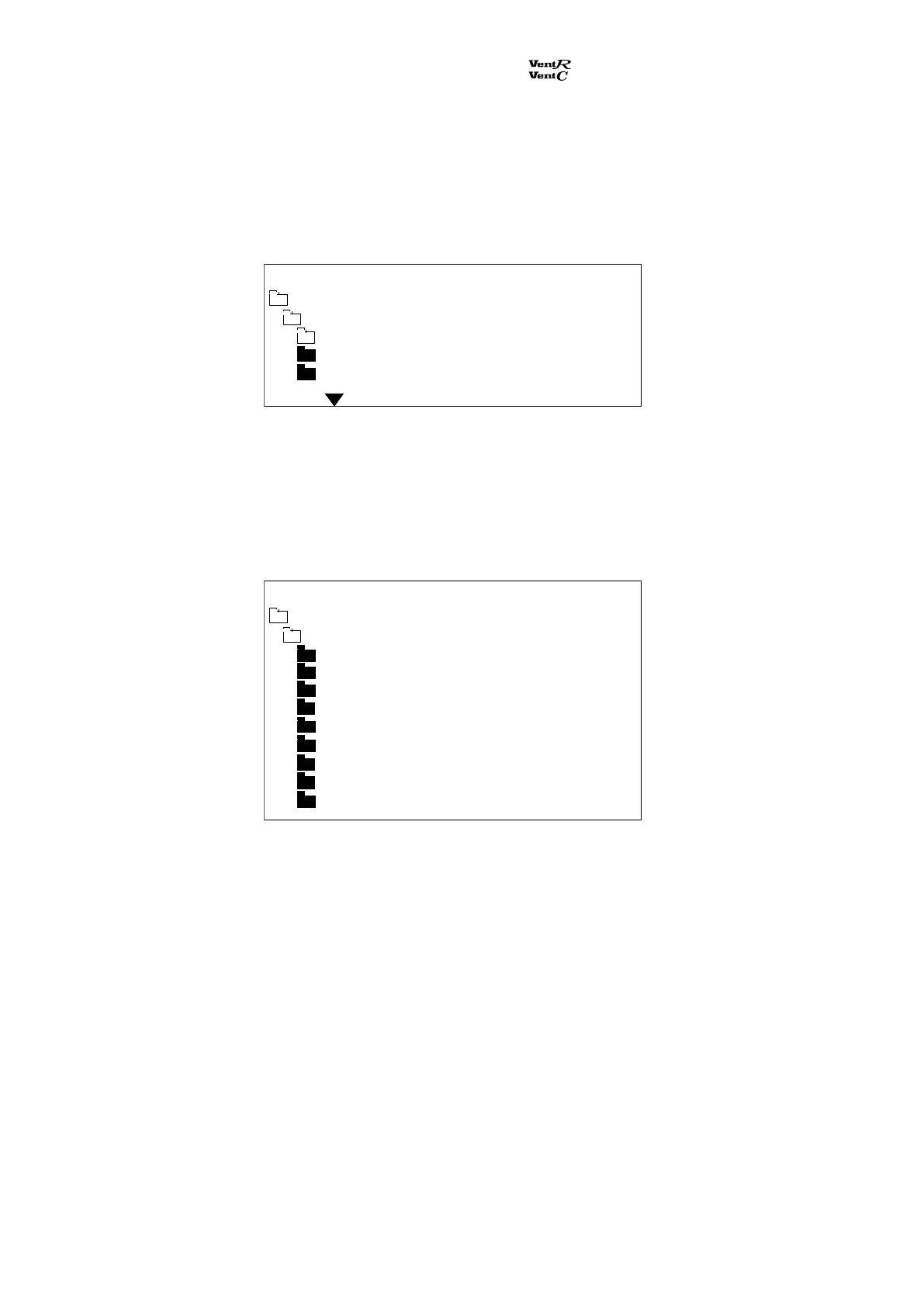
From the main menu the sub menu Technical data is selected. The sub menu Language appears:
Selecting a language with the push buttons and . Then press Enter and the language is selected.
2.2.2 Adjusting the display contrast.
From the main menu the sub menu Technical data is selected. The sub menu Processor appears:
By pressing the push buttons - and + it is possible to adjust the display contrast. Then press Enter
and the selected display contrast is saved.
Technical data
Language
English
Danish
Swedish
Main menu Monday 12:21
Run time 00023
Comm error % 034
STCU CpuVer 017
STXC CpuVer 015
STPT CpuVer 011
STHP CpuVer
STIO CpuVer
Mode 9
Main menu Monday 12:21
Technical data
Processor
Com Retry 00726


 To Next Page