STXC2 User’s guide
Version 2.0
13 of 30
2.5 Setting of manual running mode.
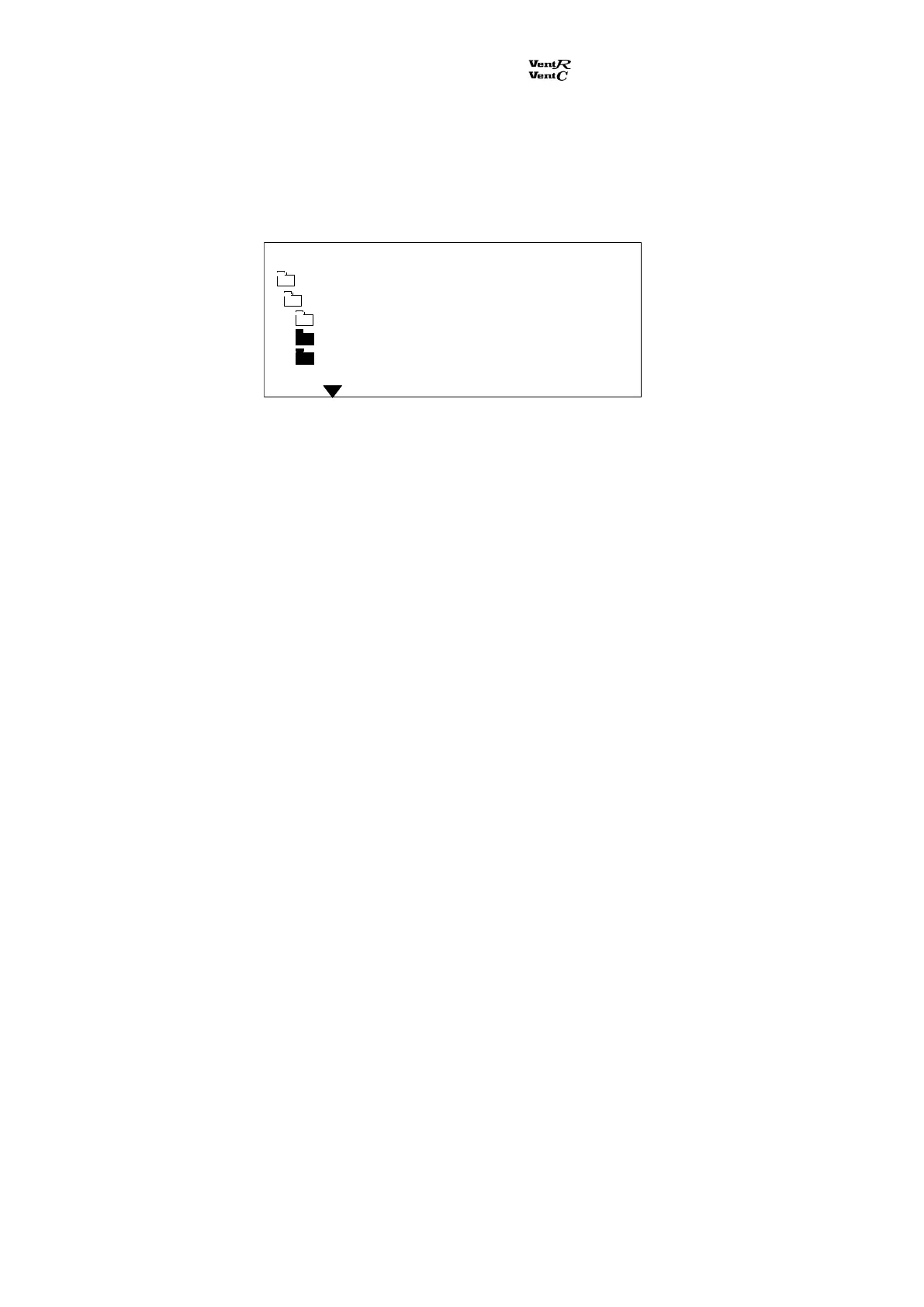
From the main menu the sub menu Adjustm. / clock is selected. Select the sub menu Manual
override. After pressing Manual the ventilation unit will run with the following data:
Temperature, air volume and manual-time are displayed. Settings are adjusted by pressing the push
buttons + and –.
Select the data point Manual hours for setting the running time (setting in whole hours from 1 to 24
hours) in manual. After this time has elapsed the ventilation unit reverts to the settings in the week
program.
After inputting the settings press Enter to save.
Temp set point C 20
Ventilation m3h 02500
Manual hours 02
Manual override
Main menu Monday 12:21
Adjustm. / clock


 To Next Page