STXC2 User’s guide
Version 2.0
15 of 30
2.6.1 Example of setting a week program.
The following shows an example of a week program including cooling at summer nights (See
chapter 3.2.3 Cooling at summer nights). For further information see chapter 2.6 Setting a week
program.
Program step no. 01 and 02:
The week program begins by turning the ventilation unit on, on workdays at 08.00 and ventilation
unit is turned off at 16.00.
The room/return temperature set point is 20C.
Program step no. 03:
The ventilation unit runs providing free cooling on summer nights on workdays, early in the
morning from 04.00.
Free cooling on summer nights:
The most suitable period to use the function free cooling on summer nights is at night or early
in the morning. A quick cooling of the room is achieved.
Program step no. 04:
The ventilation unit is turned off at the weekend.
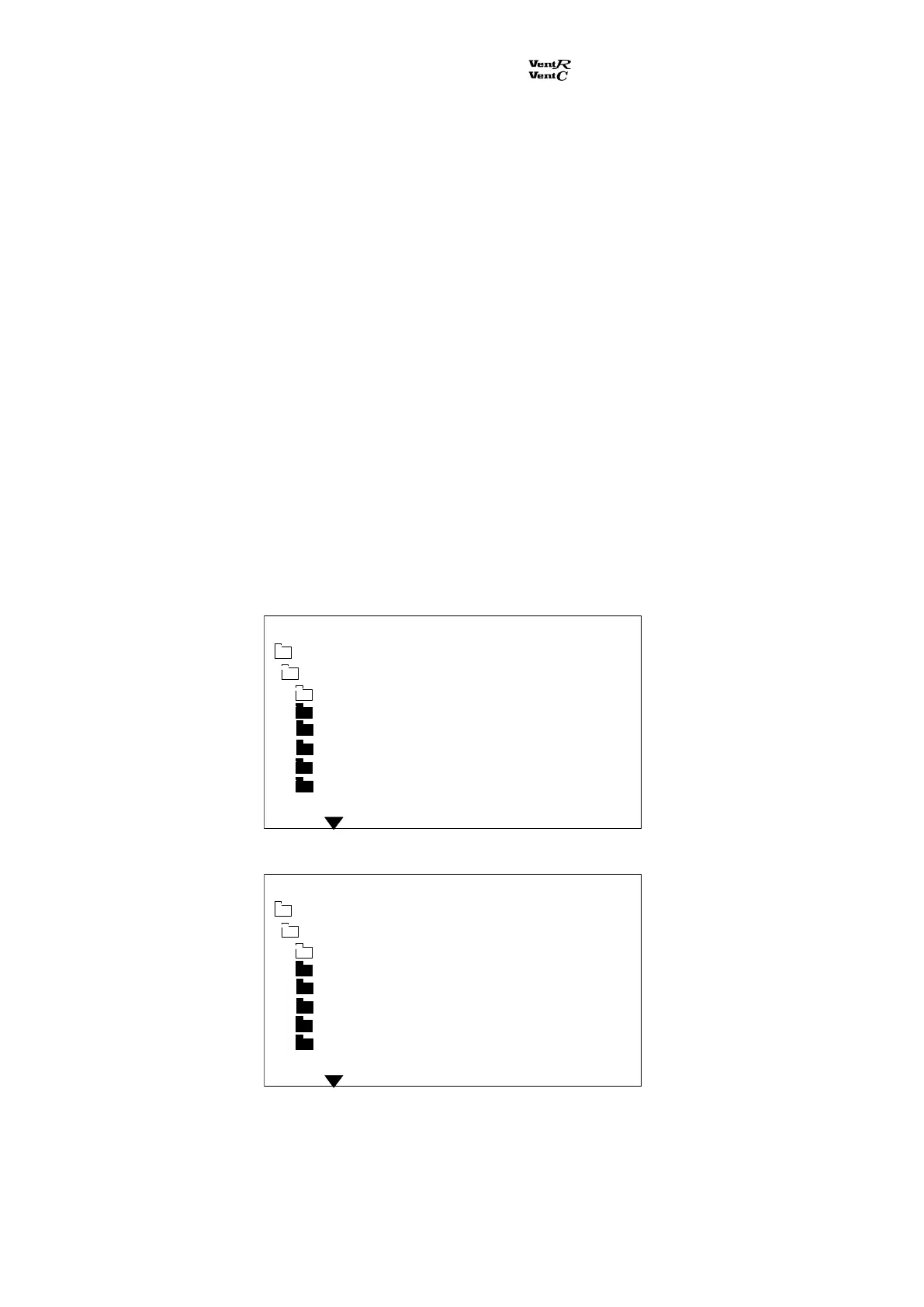
Program step no.: 01.
Program step no.: 02.
The room/return temperature has a default factory setting of 20
C. When the ventilation unit is
turned off, the room will not be supplied with heating.
Adjustm / clock
Program step
Program step no 01
Ventilation m3h 02500
Day(s) Workd.
Time 08:00
Temp set point C 20
Night cooling No
Main menu Monday 12:21
Adjustm / clock
Program step
Program step no 02
Ventilation m3h OFF
Day(s) Workd.
Time 16:00
Temp set point C 20
Night cooling No
Main menu Monday 12:25


 To Next Page