STXC2 User’s guide
Version 2.0
10 of 30
2.3 Time setting.
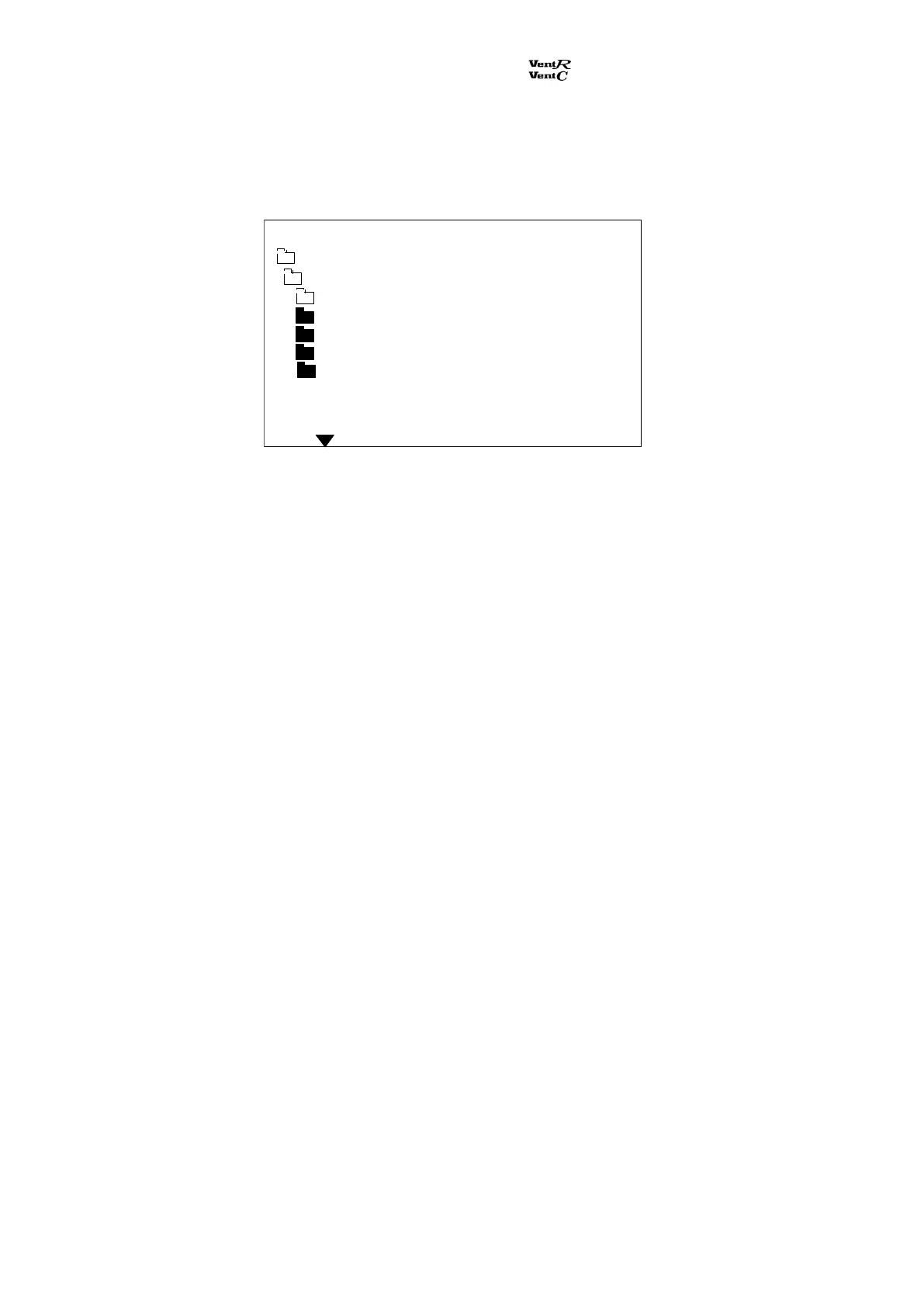
From the main menu the sub menu Adjustm. / clock is selected. Select the sub menu Clock adjust:
By pressing the push buttons and the actual data for weekday, time, date, month and year are
selected. The settings are changed by the push buttons + and –. Press Enter after inputting the
settings and the changes are saved.
Adjustm. / clock
Clock adjust
Day Monday
Time 13:31
Date 29
Month 06
Year 00
Main menu Monday 12:21



 To Next Page