STXC2 User’s guide
Version 2.0
20 of 30
2.8 Reading the actual conditions.
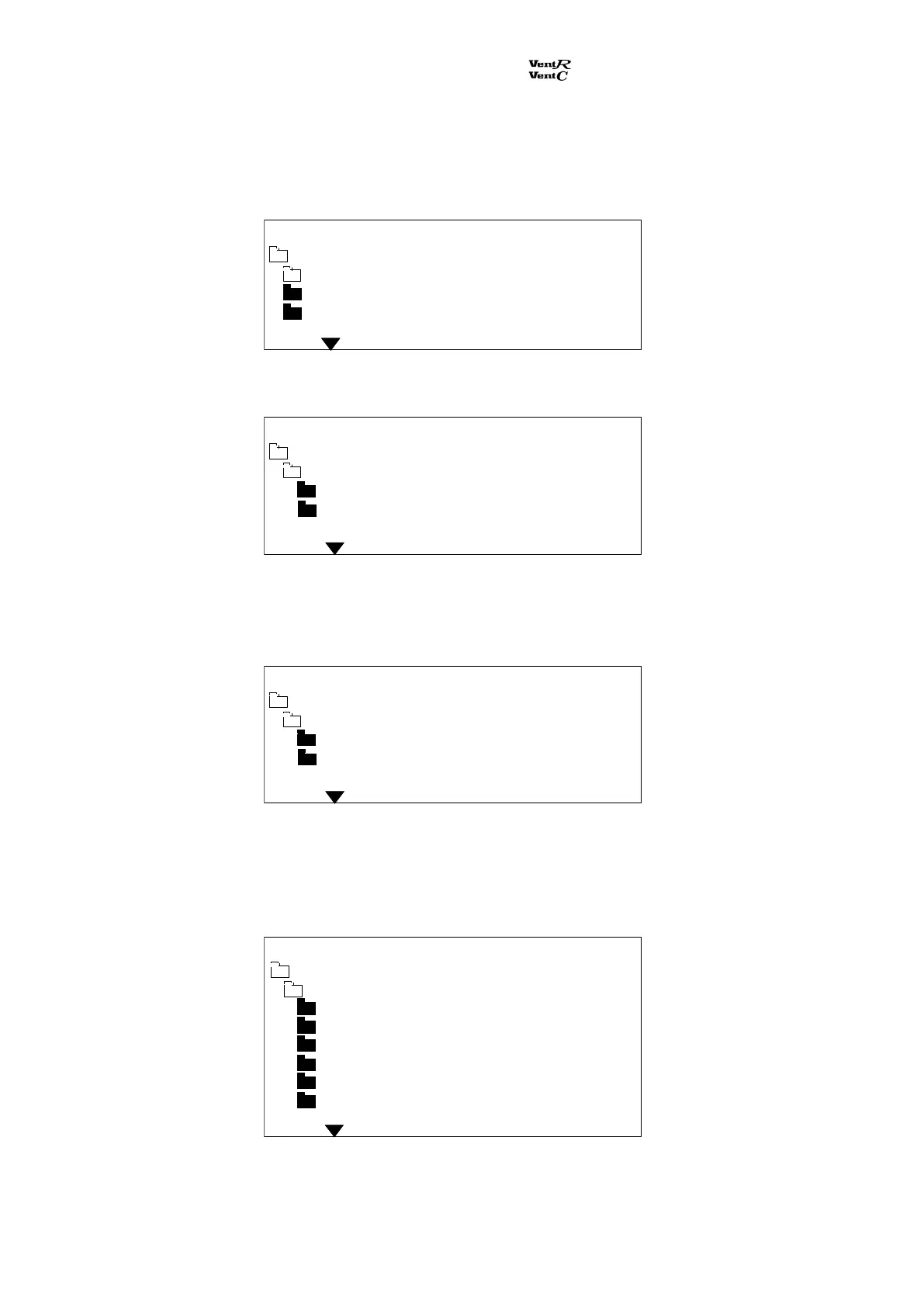
From the main menu the sub menu Ventilation / climate is selected. Other sub menus appear:
The sub menu Room conditions is selected:
Here the actual values for the supply air and return air temperatures are indicated.
The sub menu Ambients is selected:
Here the actual values for the ambient air and the preheat air temperatures are indicated. If in this
case a preheat air sensor is not mounted, the display shows None.
The sub menu Ventilation is selected:
Main menu Monday 12:21
Ventilation / climate
Room conditions
Supply temp. C +21,2
Return temp. C +20,7
Main menu Monday 12:21
Ventilation / climate
Room conditions
Ambients
Ventilation
Main menu Monday 12:21
Ventilation / climate
Ambients
Ambient temp. C +24,3
Preheat temp. C None
Supply air % 025
Supply press Pa 0118
Supply m3h 01320
Return air % 027
Return press Pa 0128
Return m3h 01620
Main menu Monday 12:21
Ventilation / climate
Ventilation


 To Next Page