Page 19 of 39
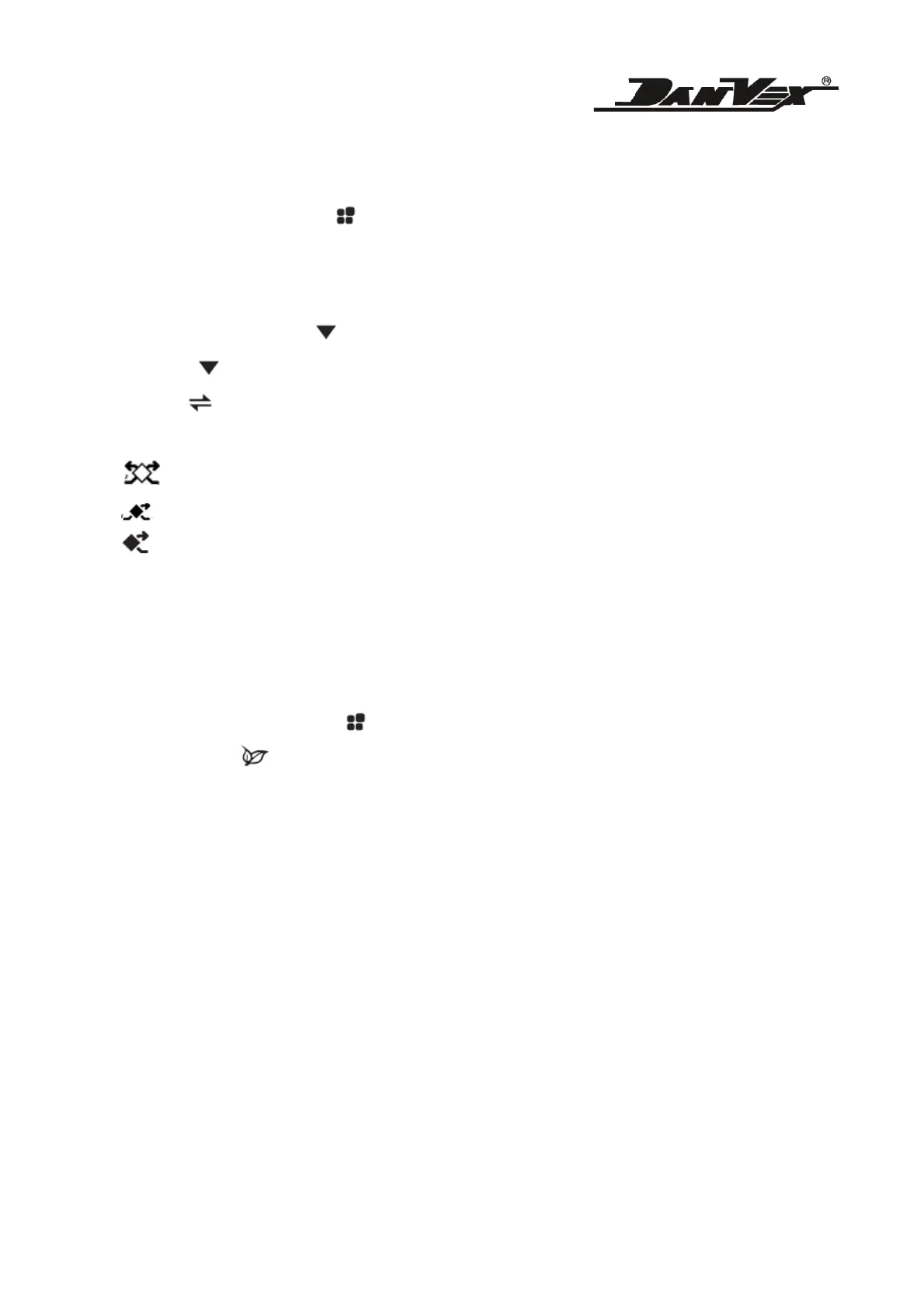
9. Auto / Manual Mode. Press to switch between Auto or Manual mode.
- Auto mode: during this mode, it will automatically turn on and off the dehumidifying
function based on setpoint value.
- Manual mode: Press and hold for few second, it will start the dehumidifying function.
Press and hold for few second again, it will turn off the dehumidifying function.
10. Press to open / off fresh air valve, the icon as below will show to indicate different
setting.
means double flow fresh air valve is open (for certain models);
means single fresh air valve is open (for certain models);
means fresh air valve is close and the air is internal re-circulate.
11. The controller will beep once when the machine is powered on.
12. During auto mode, the compressor and the fan will work automatically. If switch to manual
mode, the compressor will not turn off immediately, it will remain the same condition during
auto mode before changing to manual mode.
13. During manual mode, press and hold for few second, it will turn on the dehumidifying
function. Press UV button and hold for few seconds will turn on the humidifying function.
However, at each time only one function can be turned on, either Dehumidifying or Humidifying
function at one time. During manual mode, the dehumidifying and humidifying function will not
turn on / off according to setpoint.
14. Ventilation mode: during this mode, only the fan is running. Neither dehumidifying nor
humidifying is functioning.
15. Under any circumstances, the fan shall run first for 20 seconds (preset setting is 10 seconds).
When the compressor stops and restart again, it will require a delay startup of 3 minute to
protect the compressor.
16. Filter replacement time is preset at 1000 hour. Once it reaches the preset time, the filter icon
will appear, and it will automatically lock all the function of the controller. Once the filter is
replaced and the Filter timer is reset, only then the controller function will be unlocked. The


 To Next Page