Need help?
Do you have a question about the Dareu A87 Series and is the answer not in the manual?
Lists the items included in the product package: keyboard, key puller, and cable.
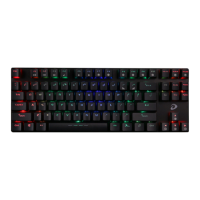
Details the physical dimensions of the keyboard and explains the indicator lights for Caps Lock, SCR Lock, and Win Lock.
Explains how to adjust keyboard backlight brightness and changing frequency using function keys.
Details various lighting effects and how to set up custom lighting modes using function keys.
Provides instructions on connecting the keyboard via USB and its plug-and-play nature.
Illustrates the steps for installing or attaching the magnetic top cover to the keyboard.
Describes the main graphical interface of the DAREU driver software for keyboard customization.
Explains how to use the macro manager within the driver software to record and manage custom key sequences.
 General
| Keycap Material | PBT |
|---|---|
| Polling Rate | 1000Hz |
| Case Material | Plastic |
| Switch Type | Mechanical (Dareu custom switches) |
| Key Rollover | N-key rollover |
| Backlighting | RGB |
| Connection Type | Wired |
| Layout | 87-key (TKL) |
| Actuation Point | 2.0mm |
| Total Travel | 4.0mm |

 To Next Page