Need help?
Do you have a question about the Dareu A84 and is the answer not in the manual?
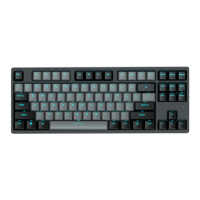
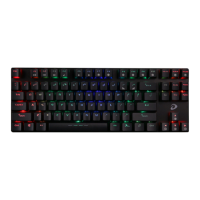
Details keyboard physical attributes like connection type, switch type, dimensions, weight, and key count.
Covers electrical properties including backlight, key rollover, battery capacity, working time, charging, macro, and compatibility.
Outlines the three primary methods for connecting the keyboard: wired, 2.4G, and Bluetooth.
Explains the steps for connecting the keyboard via 2.4G wireless mode, including pairing.
Details the procedure for pairing the keyboard with devices using Bluetooth, including reconnection.
Describes how to switch between operating systems (Mac and Windows) using a keyboard shortcut.
Explains keyboard shortcuts for controlling backlight effects, colors, and brightness.
Lists keyboard shortcuts for controlling multimedia functions like volume and playback.
Guides users on downloading and using the Dareu driver software for keyboard customization.

 To Next Page
 General