Need help?
Do you have a question about the Dareu A+ Series and is the answer not in the manual?
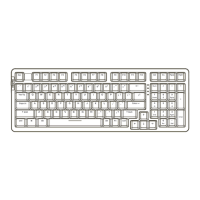
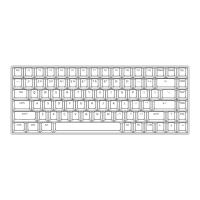
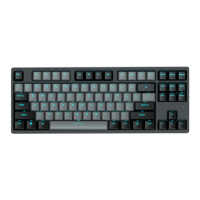
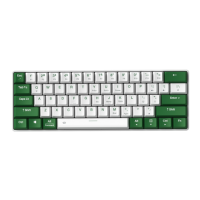
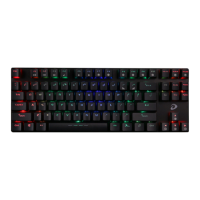
Details about keyboard dimensions, connection types, switch lifespan, cable length, standard keys, and weight.
Information on backlight type, battery capacity, working/charging times, key conflict, macro support, and system compatibility.
Explains how to connect the keyboard via wired, 2.4G, and Bluetooth modes, including lighting controls.
How to switch between macOS and Windows operating systems using a keyboard shortcut.
Step-by-step guide for connecting the keyboard using the 2.4G wireless dongle.
Instructions for pairing the keyboard with devices via Bluetooth connection.
Steps to re-establish connection for devices already paired in BT mode.
Keyboard shortcuts for controlling backlight effects, colors, and brightness.
Keyboard shortcuts for resetting the device and locking/unlocking the Windows key.
Function key combinations for controlling media playback and volume.
Instructions on downloading and installing the Dareu keyboard driver from the official website.
Overview of features within the driver software, including profiles, custom keys, and macro management.
 General
| Connectivity | Wired |
|---|---|
| Backlight | RGB |
| Keycaps | Double-shot |
| Polling Rate | 1000Hz |
| Interface | USB |
| Actuation Point | 2mm |
| Total Travel | 4mm |
| Number of Keys | 104 |

 To Next Page