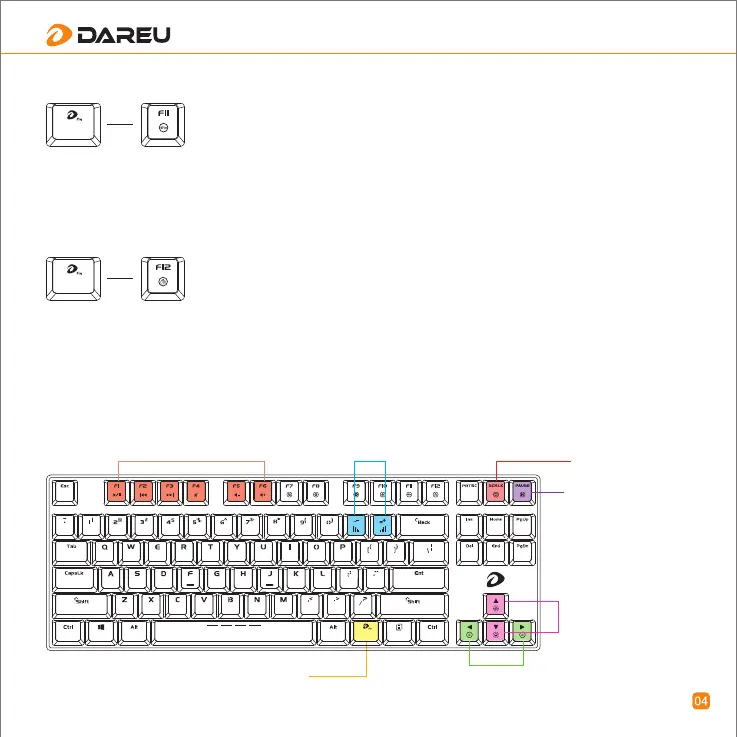
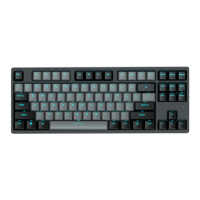
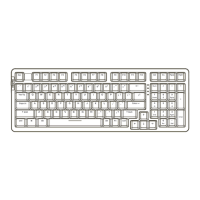
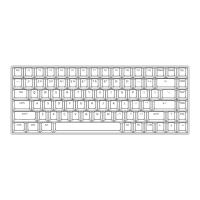
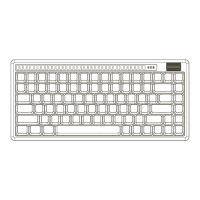
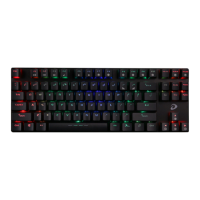
Special combination function, please see picture
First combine: left or right -----Lighting wave from left-to right and in reverse in turn with each stroke;
Second combine: united -----The whole keyboard lights up constantly;
Third combine: colorfully releasing ----The whole keyboard’s lighting changes colorfully;
Frequency: moving speed changes with the changes of keystroke frequency;
FN+↑(direction key): brightness up; FN+↓: brightness down;
FN+SCRLK: to change color under each mode (mixed color, red, orange, yellow, green, cyan, blue, purple,
white)
First combine: wings-spreading -----Lighting spread like big wings from keyboard center;
Second combine: part-to-whole---- lightings spread out from a small part to the whole keyboard;
Third combine: digital-age ---- key lightings change on its own;
FN+“-”: speed down, FN+“=”: speed up;
FN+↑(direction key): brightness up; FN+↓: brightness down; 5 steps from off to100%;
FN+SCRLK: to change color under each mode (mixed color, red, orange, yellow, green, cyan, blue, purple,
white)
To adjust backlit changing frequency
Fn+ marked key:
To reset to factory default
Fn+ Change color
Fn key (DAREU key)
Fn + the four marked keys:
To adjust wave direction
Fn+ the two marked keys:
To adjust backlit brightness
Fn+six multi-media keys


 To Next Page