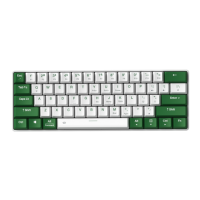
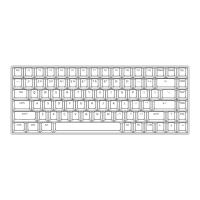
Key Function
4.Function Key :
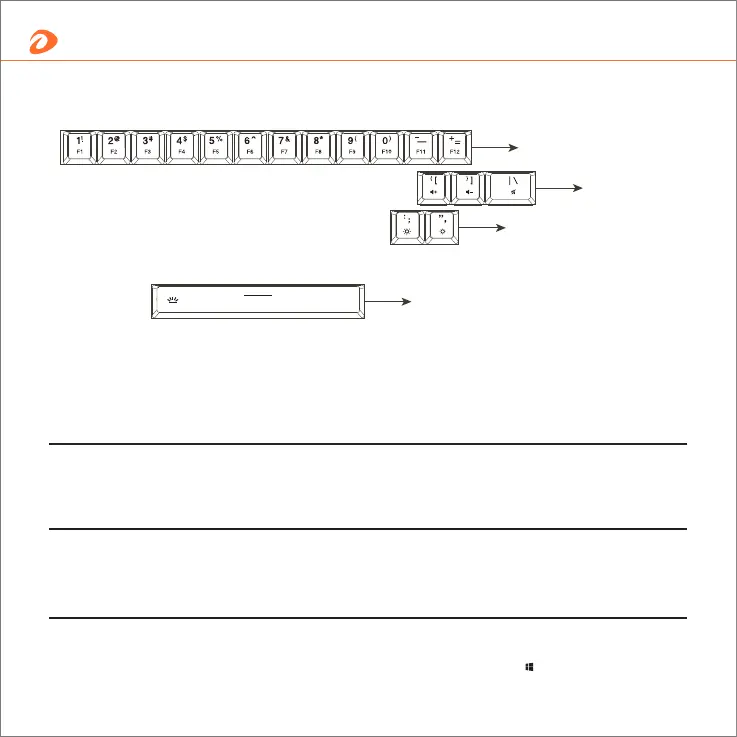
Fn+“[”= Volume + Fn+“]”= Volume - Fn+“\”= Mute key
2.Volume control:
Fn+“;”= Increase + Fn+“'”= Decrease -
3. Screen brightness control:
Fn+“↑”= PgUp Fn+“↓”= PgDn Fn+“ ”= WIN Lock
2.Volume control
3. Screen brightness control
4.Backlit brightness control
1.F1-F12
1.F1-F12 key combination :
Fn+“1”= F1 Fn+“2”= F2 Fn+“3”= F3 Fn+“4”= F4 Fn+“5”= F5
Fn+“6”= F6 Fn+“7”= F7 Fn+“8”= F8 Fn+“9”= F9 Fn+“0”= F10
Fn+“-”= F11 Fn+“=”= F12
6
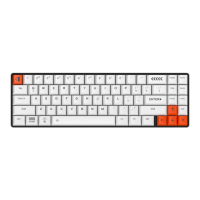
Key shortcuts


 To Next Page