6
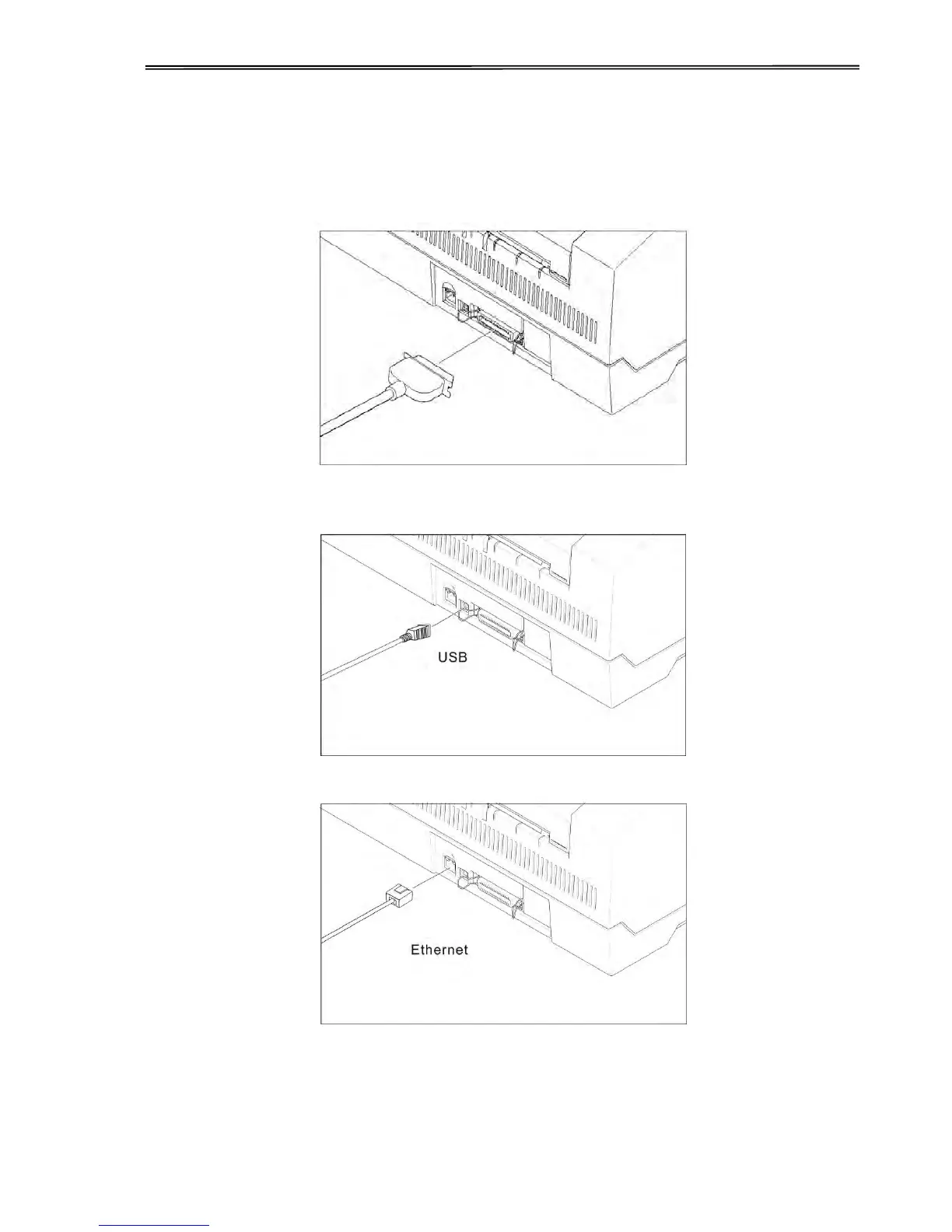
2.2.1 Parallel interface (IEEE 1284)
Make sure that the printer and the computer are switched off and connect the parallel cable
between the printer and the computer. Lock the connector with the 2 clips on the printer
interface connector; tighten up the 2 screws on the other end connecting to the computer.
2.2.2 USB 2.0 (Full Speed)
Plug in the USB cable to the printer and the computer.
2.2.3 Ethernet



 To Next Page