59
6.3.8 Save Configuration
You can save selected printer settings in up to 5 independent menus.
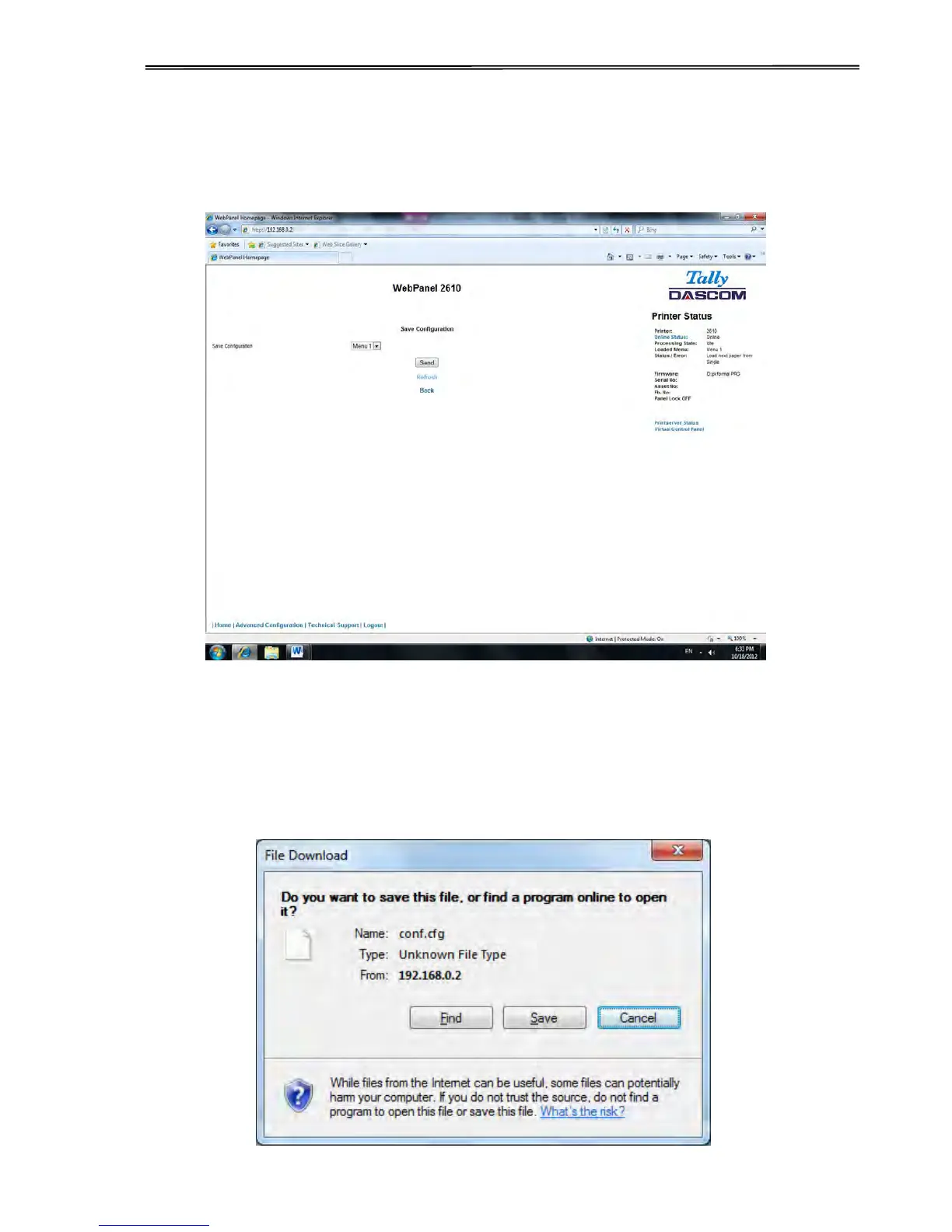
When the Save Configuration link is selected, the following page will be displayed:
Select a menu. Select send.
6.3.9 Retrieve Configuration From Printer
Selecting this option will save all the printer settings of all menus in a file. Uploading this file to
other printers will clone the printer menu settings to the other printer.
When this option is selected, the following will appear (note that the actual image will be
browser specific):



 To Next Page