12
3.2.2 Fanfold paper handling
3.2.2.1 Front push tractors for fanfold
1) Close the front cover if previously opened. Switch the paper path lever to one of the
desired tractor positions.
2) Move the paper path lever to the desired position.
3) Adjust the head gap lever if necessary.
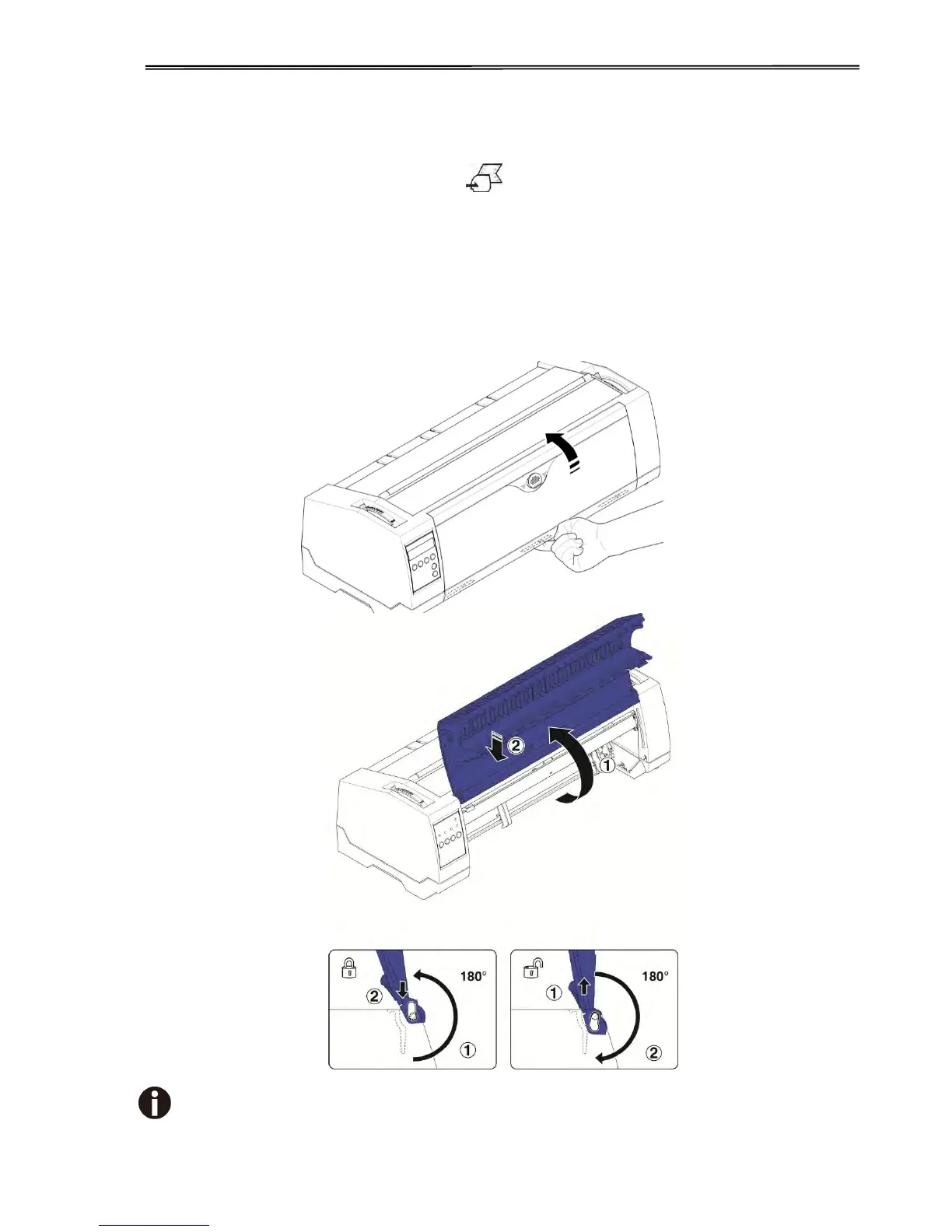
4) Open the front cover by tilting the cover from bottom to the top, and make sure it’s locked in
place (see below pictures).
Lock the front cover in the way that is shown in the pictures.
Make sure the front cover is locked.



 To Next Page