60
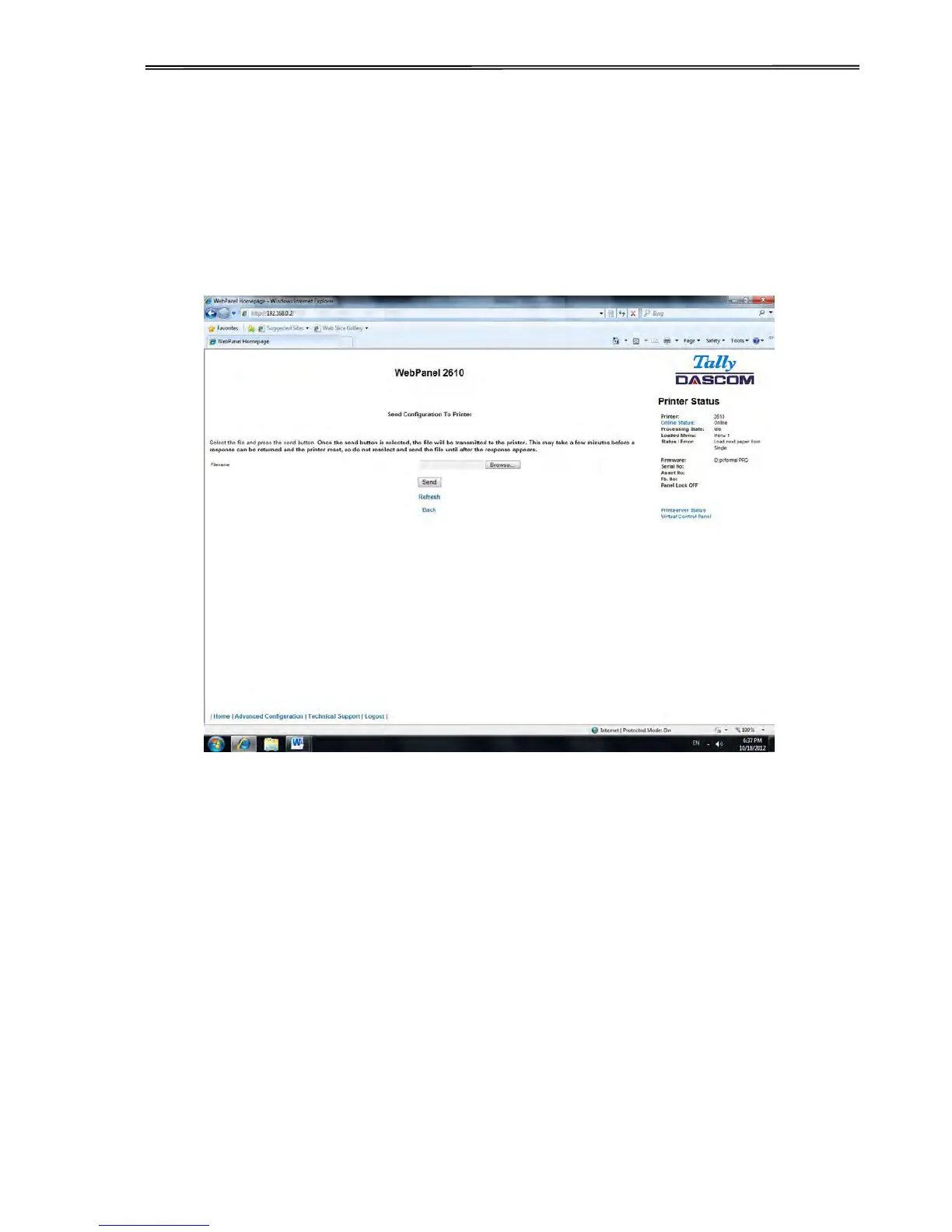
6.3.10 Send Configuration to Printer
Selecting this option will upload a Configuration File of another printer (see “Retrieve
Configuration From Printer”). The complete configuration of this source printer will be
transferred to your printer.
To upload the configuration file, first click “Send Configuration To Printer”. The following page
will be displayed:



 To Next Page