55
Example 1
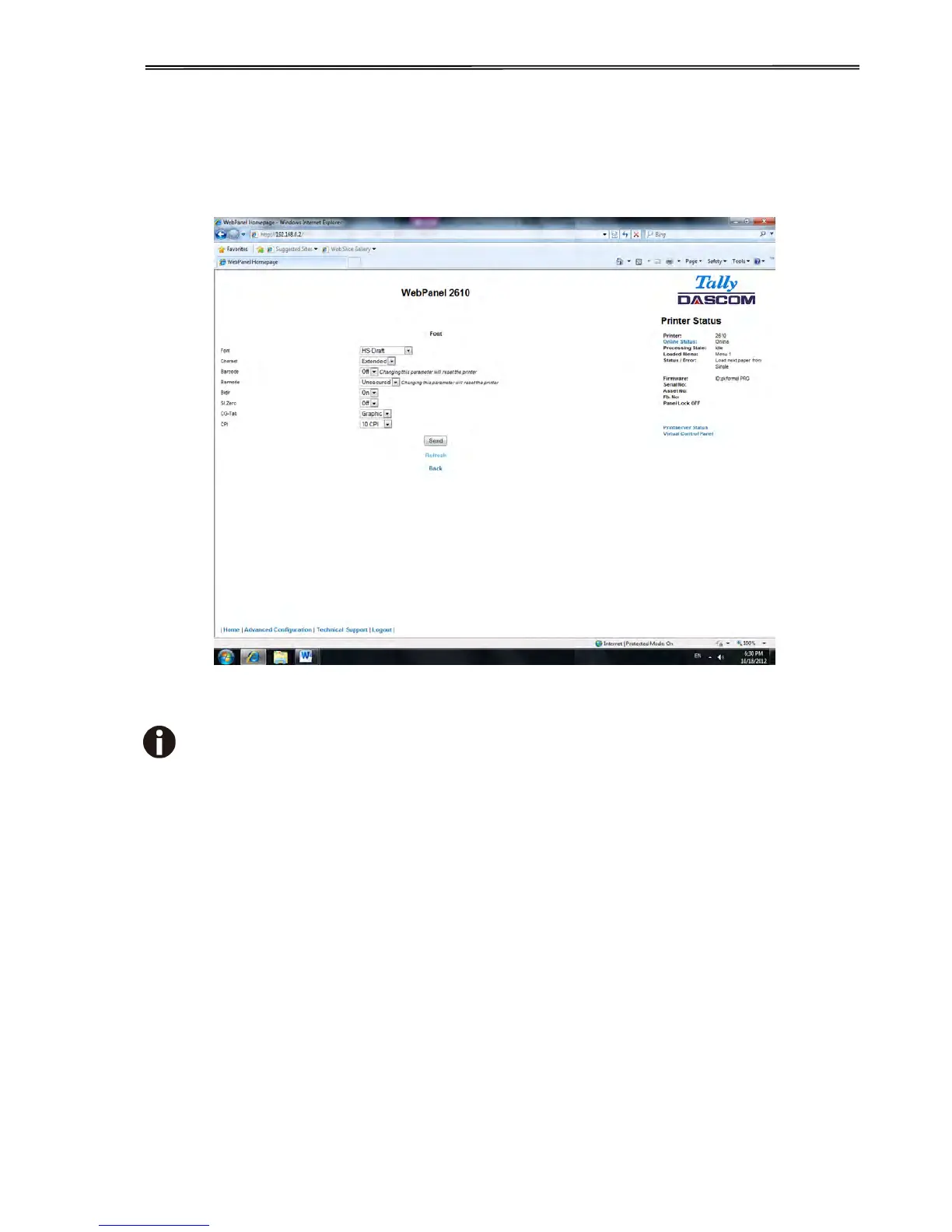
Changing the dropdown menu option.
In this example, we are modifying the selected font to a different font. Select “Font”. A new
page appears.
Select the Font dropdown menu and choose the new font. Select “Send”.
1) Changes are not applied until “Send” is selected.
2) To reset the changed value to the prior value, select “Refresh” instead of “Send”.
3) To return to the prior page without applying the change, select “Back”.



 To Next Page