63
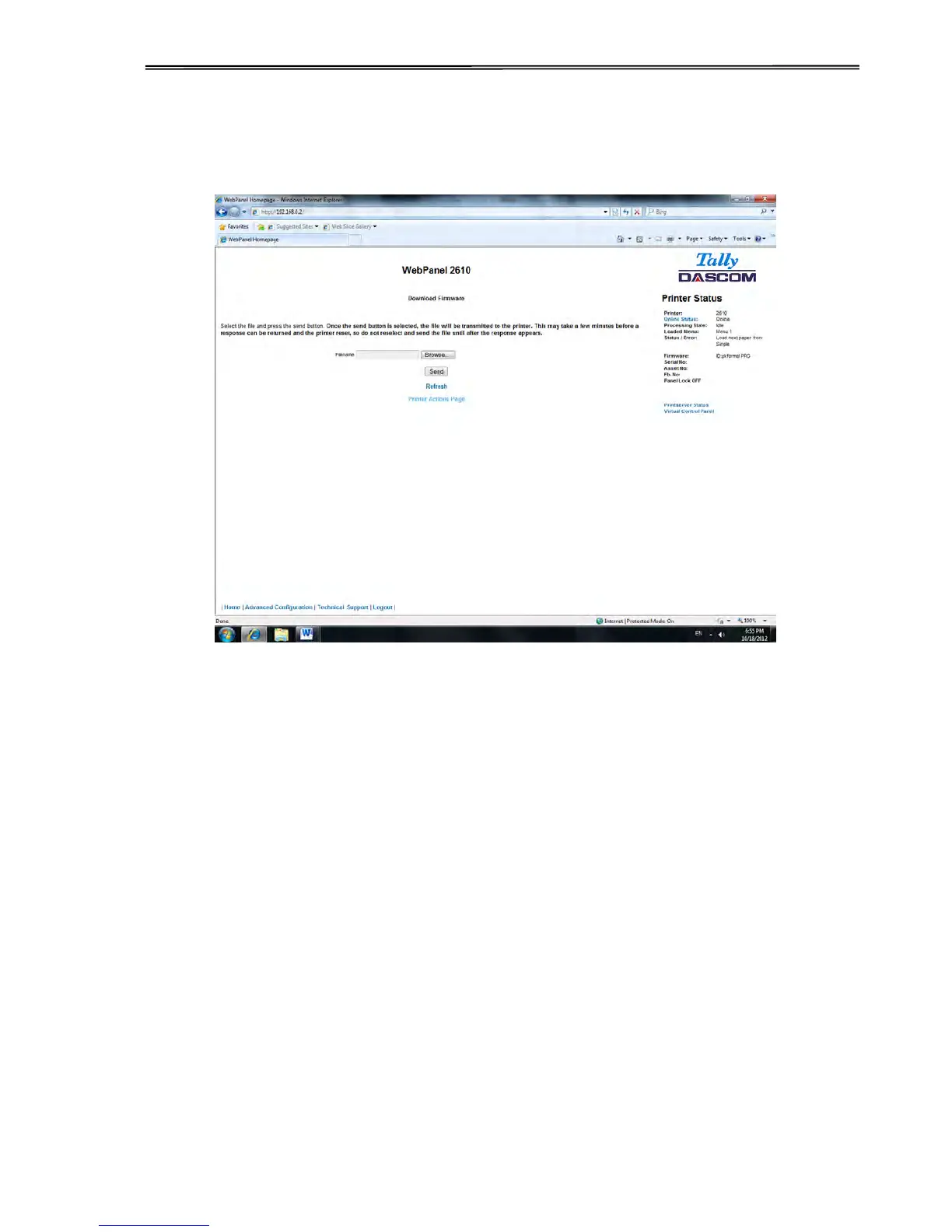
After following the directions on this page, select the “Continue“ link and the following page
is displayed:
Using the “Browse” button, find the firmware file to download. Once the file is selected, click
on the “Send” button. It is important to note the warning on this page. There will be some
delay while the file is transmitted so it is important NOT to resend or click on the “Send” button
until the process is complete.



 To Next Page