Tally Dascom 1325
18
Self Test /
Status Page
[S4]
-
Prints the printer settings and self-test pattern.
Service Menu [S1]+[S2]
- Vertical Alignment, Change Pin Function and Endless Self
Test
Adjust Page
Margins
[S3]+[S4]
- Includes Adjust Fanfold Top Margin, Adjust Single Top
Margin, Adjust Fanfold Left Margin, Adjust Single Left
Margin and Adjust Tear-Off position.
Restore Factory
Defaults
[S2]+[S3]+[S4]
- Restore settings to factory defaults except for Change Pin,
Vertical Alignment and Adjust Page Margin Parameters.
Firmware
Update
[S1]+[S2]+[S3]+
[S4]
L1, L4
Alternate flashing of L1 and L4 indicates ready for
firmware update from host.
When new firmware is being received: L1 and L4 flash
together, followed by L1 and L3 flash together.
When downloading is completed, the carriage returns to
home position. Printer initializes normally.
Language
Setup
[S2]+[S3]
Allows user to select one of the following languages:
English, German, Russian, Italian, French, Spanish and
Turkish. Factory default is English. Refer to Language
Setup section below for details.
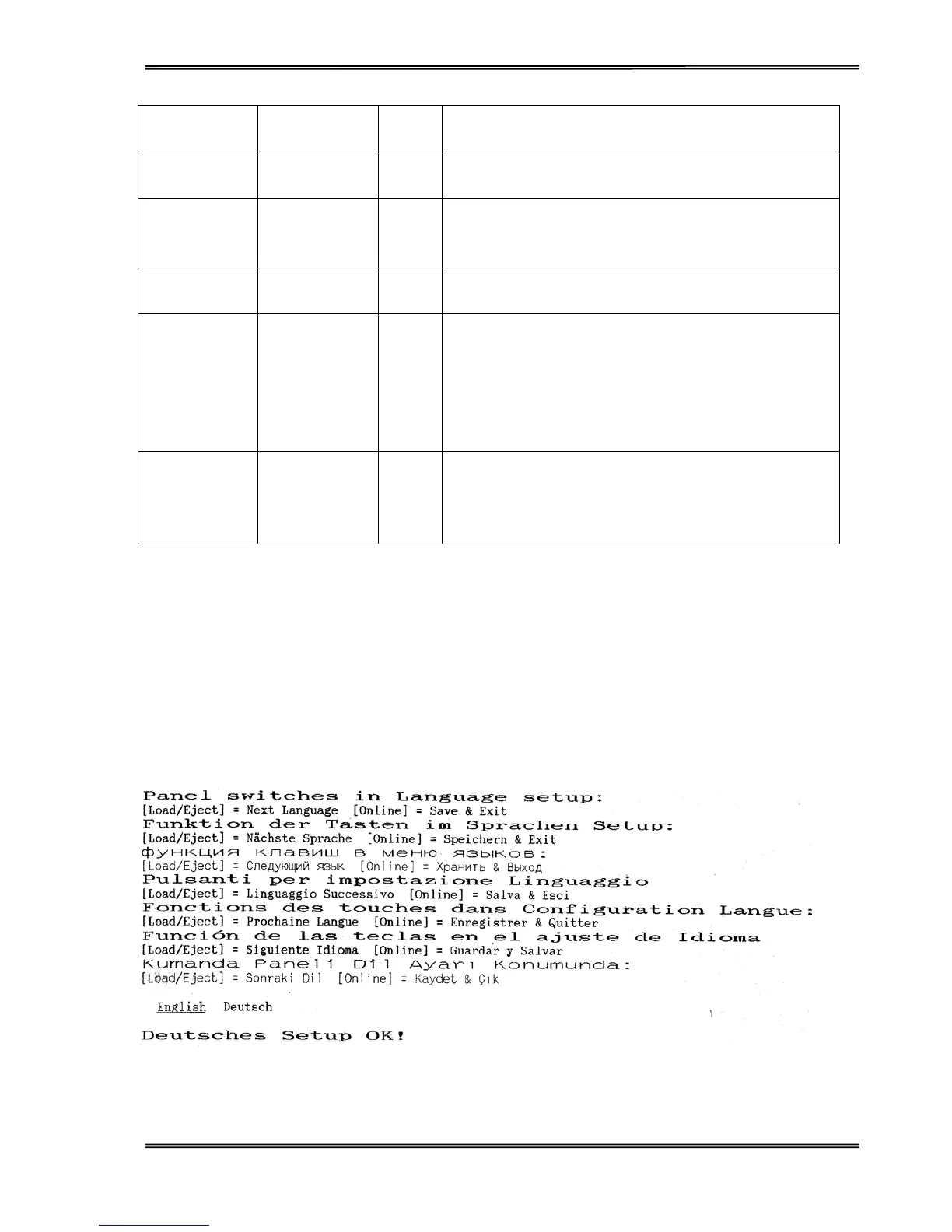
Language Setup
The panel menu can display the following languages: English, German, Russian, Italian, French, Spanish and
Turkish. Factory default setting is English. To change it to another language, hold down the [LF/FF] and
[Load/Eject] keys on the panel and power-on. Upon exiting the Language Setup Menu, a listing of the current
configuration is printed, and this is followed by Main Menu Setup.
Below is an example of changing from English to German language:



 To Next Page