30 Printer and Laminator Settings
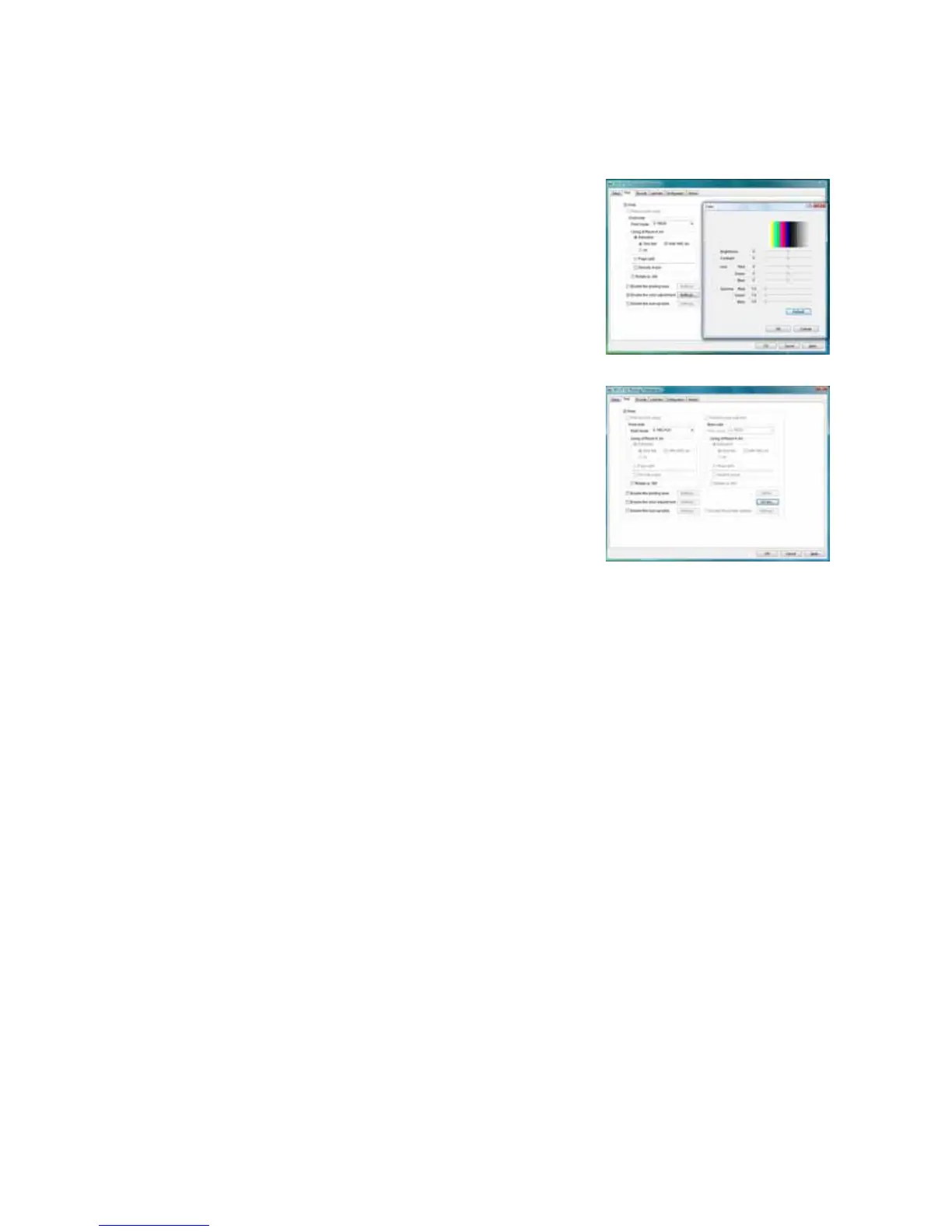
Color Adjustment
UsetheColordialogboxtoadjustyourimagesbefore
sendingthemtotheprinter.Thesettingsaffectallpartsofa
card,includingacolorlogo,colorphoto,andcolor
backgrounds.
UV Ink
UsetheUVInkdialogboxtoselecthowtoprinttheUVink
panel,ifused.Youcan:
UseUVprintingonthefrontofthecard,theback ofthe
card,orboth.
Extracttextofaspecificcolor,whichyouspecify.White
(255,255,255)andblack(0,0,0)arenotallowe d.
ThetextisprintedusingtheUVpanelwithfull
grayscaleintensity(255).
Thetextisnotprintedwiththecolorpanels.
Printthecontentsofabitmapfile,whichyouspecifyintheFileInformationarea.Thebitmap
canbe:
Monochrome(onebit‐per‐pixel),wherewhiteisprintedwithfullintensity(255).Ifwhite
istheno‐printingcolor,blackisprintedwithfullintensity.
16colorsor4‐bitcolor,printedwith256gradations.
256colorsor8‐bitcolor,printedwith256gradations.
32Kcolors,or16‐bitcolor,printedwith256gradations.Onlythe(MSB)GGGBBBBB‐
XRRRRRGG(LSB)formatissupported.
24‐bitand32‐bitcolor,printedwith256gradations.
Selectano‐printingcolor,whichisnotprintedwiththeUVpanel.
ThiscolorbecomestheunprintedbackgroundoftheUVplane.
Becarefultoselectacolornotcontainedinyourimages—itisextractedbythedriver,
andcolorprintingcancauseavoid.
UseamultipageinputdocumenttoprinttheYMC(color),black(K),andUVpanelsinthat
order.Referto“PageSplit”onpage 32formoreinformation.



 To Next Page