Calibration
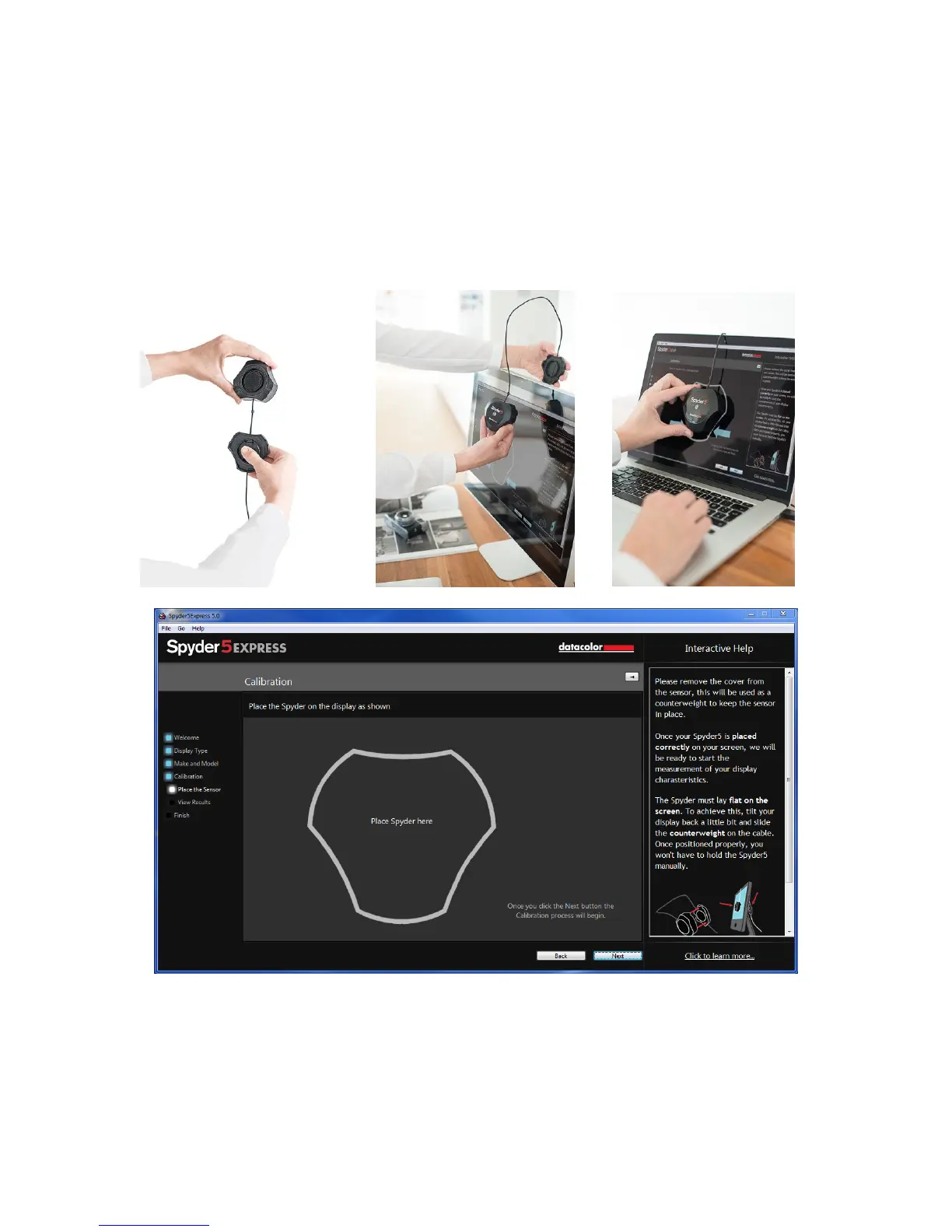
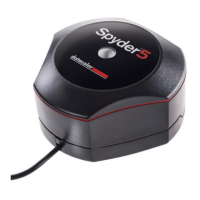
This screen shows you where to place the Spyder5 unit for the calibration process.
Remove the cover of the sensor as it is used as a counter-weight so that the unit
remains in place and flat against the screen. We recommend that you slightly tilt
your display back so the unit rests against the monitor without you having to hold it
in place, as any movement can cause a poor calibration.



 To Next Page